


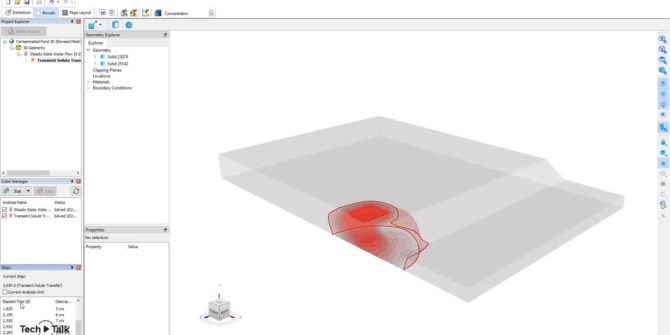
GeoStudio 2021.4 Sneak Peek: Introducing GeoStudio 3D FLOW, including CTRAN3D and AIR3D
including common use cases that can be analysed using the products, that will be included in the upcoming GeoStudio 2021.4 release. In this video, Seequent's

4 steps to Numerical Modelling Best Practice
Geotechnical engineering involves defining the geological and hydrogeological system, understanding the constitutive behaviour of the material, and modelling. All three components are interlinked with experience.

WSP tackle redesign to earthquake strengthen a 100-year-old retaining wall
A black and white photo from the 1920s shows the steep challenge involved to construct the original Chaytor Street retaining wall, part of a main
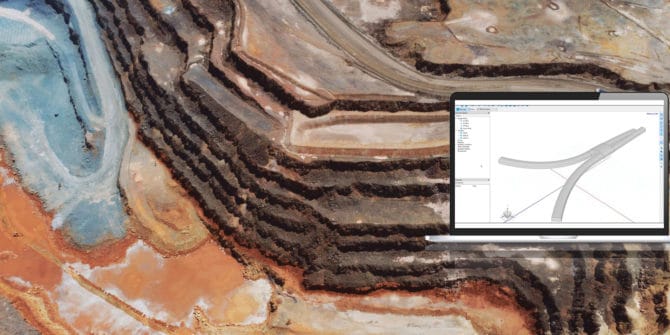
Importing to BUILD3D: Import from CAD Sources
This tutorial uses GeoStudio 2021.3 and will show you how to import 3D CAD files in the *.step, *.iges, *.dxf, *.dwg, and *.stl file formats.
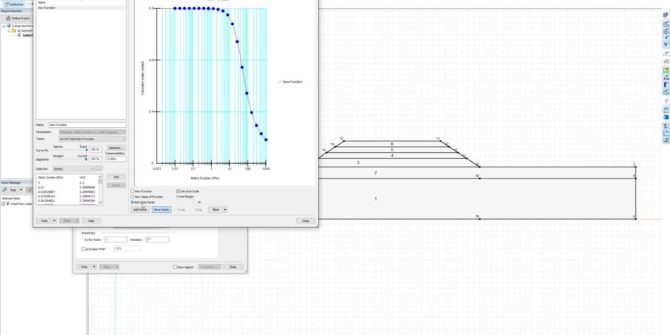
GeoStudio Core: Integrating SLOPE/W, SEEP/W, and SIGMA/W to solve more complex problems
This video will take you through the step-by-step process of defining the analysis tree, materials, and geometry, followed by reviewing the results of an example
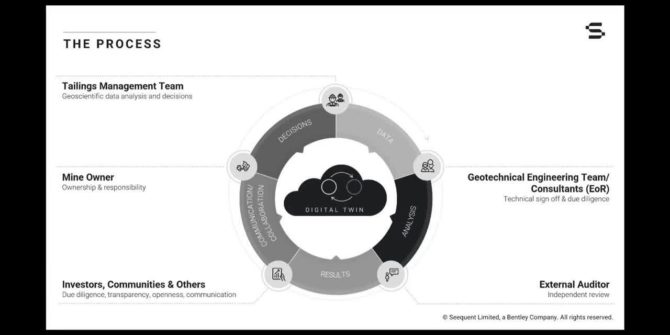
Dynamic Digital Twin for Managing Tailings Storage Facilties
The industry has already come a long way to match the Global Tailings Standards and the ICMM in particular has greatly contributed to this development.
GeoStudio Integration Workflow
1. Analyse slope stability using piezometric lines with SLOPE/W Use SLOPE/W to do a simple global stability analysis using a piezometric line to model pore-water
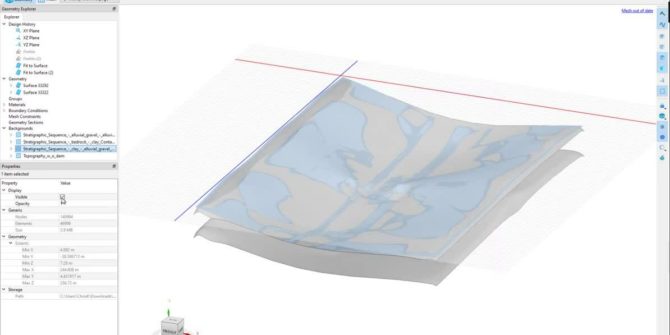
From a 3D Leapfrog Model to a Comprehensive Geotechnical Analysis in GeoStudio
In this session, learn the following: The challenges faced by geotechnical engineers dealing with evolving site conditions How a dynamically updated digital twin enables rapid
