


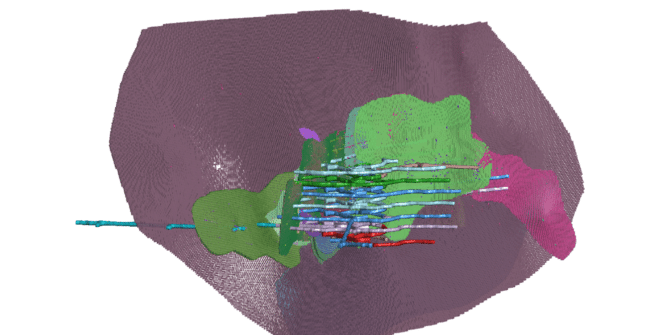
Significant processing and storage improvements for more powerful modelling
With the amount of data that is now available to all geoscience professionals, the stress we are placing on our software and computing resources is
How to drape created GIS data/polyline on a mesh in Leapfrog
Objective: I have created a polyline/GIS Line that I would like to drape on a mesh. In Leapfrog, GIS lines automatically drape onto a topography,
How to import a curved image as a long section?
Objective: I want to import an image as a curved long section. Resolution: It is not yet possible to do so within a click, but
How to add Seequent domain to trusted site list
Objective: I would like to add the Seequent domains to the list of trusted sites. Or, I have run Leapfrog Start and would like to
How to add an Image to Mesh
Objective: I want to add an image to Mesh Resolution: In the Project Tree, expand the Mesh folder, then right-click the Mesh where you want
How to import a section in Geotiff format to Leapfrog
Objective: Import a section/image already georeferenced in Geotiff format to a Leapfrog model, in its exact location. Resolution: 1. In the Project Tree, right-click on Cross
How to import and export models and designs in Leapfrog
Objective: Export or / and import a geological model and designs in Leapfrog. Resolution: I. To Export: 1. Right click on Geological Model> Export. 2. Select
How to extend my topography
Objective: I have a topography that is to small to be used in my Geological Model and get an error when trying to use it.
