



What’s new
PLAXIS
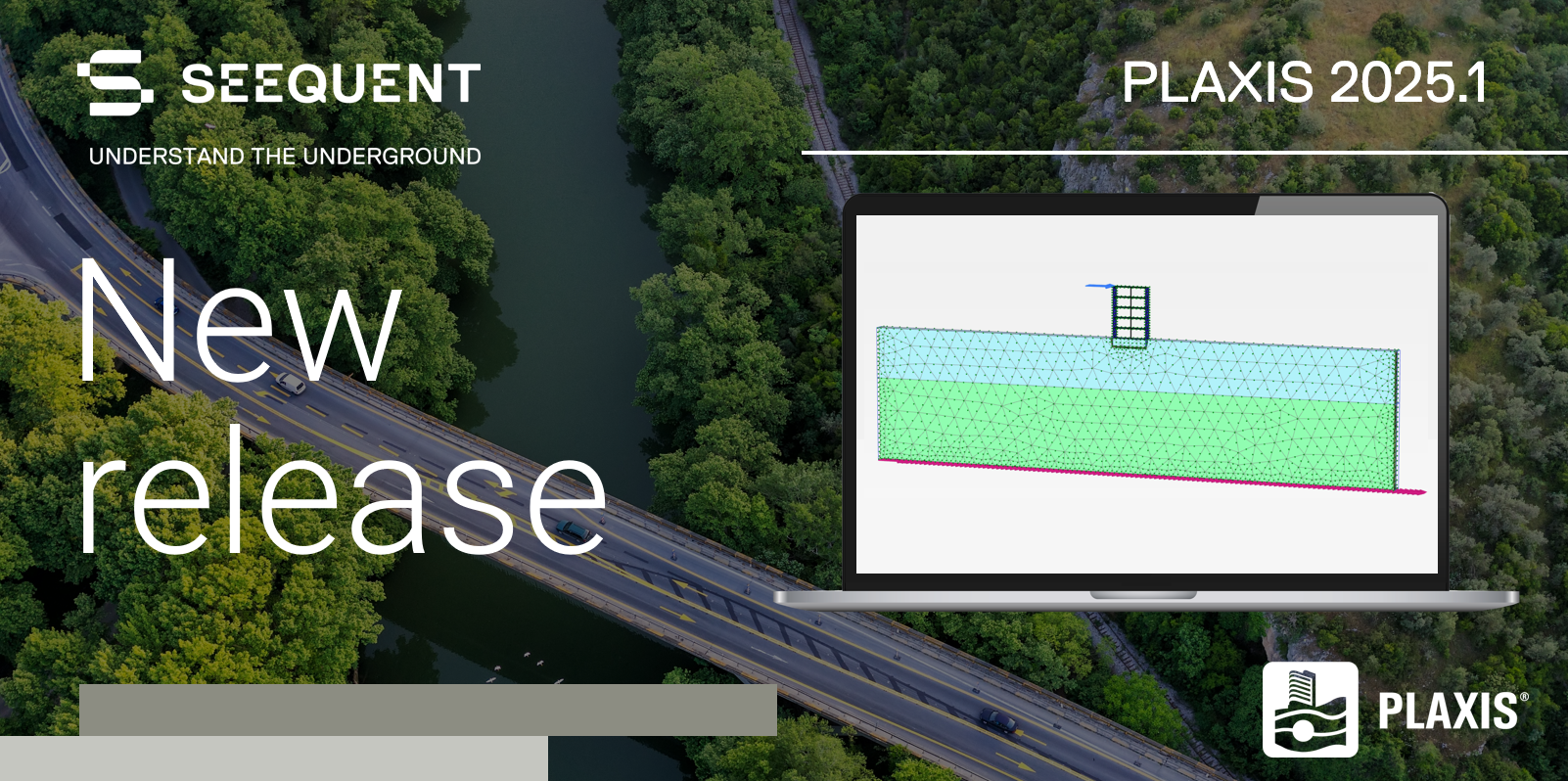
PLAXIS 2025.1: Unleashing next-level data performance
The latest PLAXIS release features a new database for calculation inputs and results. This upgrade offers faster output, improved data accessibility, and more consistent results, enabling users to push modelling boundaries.
Help and Support
Browse by topic or resource type
Help

Software downloads

Seequent ID and account management
Subscriptions, licenses and billing

IT Administrators
Product help
Support
Bentley Learning

Online Learning
Remote & in-person training
Knowledge Base

Bentley Community
Support requests
Managing your support requests
Here at Seequent we are committed to seeing the possibilities and anticipating what is next. As such, we are continuously evolving to better serve you. You can now actively monitor and manage your support request via MySeequent using your unique Seequent ID.
System requirements
Important notes / unsupported setups
License info, including License info and what features are available for PLAXIS CONNECT Edition Licenses
What is Subscription Entitlement Service for the PLAXIS 2D and PLAXIS 3D CONNECT Edition?
How we offer a Flexible License solution for easy use of the software and control of software licenses.
For Product Support on PLAXIS 2D and PLAXIS 3D, please see these sections for more info:
- Manuals
- Tutorials
- Tips and tricks
- Videos
- Python scripts for automation purposes using the PLAXIS API
- Publications
- Info on Constitutive soil models
- Verifications
Other Geotechnical Analysis / PLAXIS Products:
- GeoStudio
- PLAXIS Monopile Designer
- PLAXIS 2D LE and PLAXIS 3D LE (Limit Equilibrium Method)
Technical Support – If you want to get Expert Help, please read the details on How to receive Technical Support or directly submit a Service Request for the Geotechnical Analysis / PLAXIS Experts.
Core system requirements
| Minimum | Recommended | |
|---|---|---|
| Operating system | Windows 10 Professional 64-bit, Windows 11 Professional 64-bit | Windows 10 Professional 64-bit (all with latest service packs applied) |
| Graphics card | GPU with 256 MB OpenGL 3.3 | discrete GPU from Nvidia GeForce or Quadro range with at least 128-bit bus and 1 GB of RAM. |
| Processor | dual core CPU | quad core CPU |
| System memory | PLAXIS 2D: at least 4 GB. Large projects may require more. | PLAXIS 3D: at least 8 GB. Large projects may require more. |
| Storage | 2 GB free space on the partition where the Windows TEMP directory resides, and 2 GB free space on the partition where projects are saved. | Large projects may require significantly more space on both partitions. For best performance, ensure that the TEMP directory and the project directory reside on the same partition. |
| Display | 1280 x 800 pixels, 32-bit colour palette | 1920x1080, 32-bit colour palette |
PLAXIS supported data types & formats
For PLAXIS 2025.1
Contact us if you have specific questions about your workflow or a file type not mentioned here.
You can get links to the latest versions of Seequent products & tools here.
2D supported data types:
File Types (Imports)
Geometry
STEP Files (*.stp, *.step)
OpenCascade BRep files (*.brep)
Comma Separated Values (*.csv)
M-Series file Geo (*.geo)
M-Series file STI (*.geo)
Tab separated text (*.txt)
Import Geostudio 2D (*.gsz, Technology preview)
Import Water level
AutoCAD DXF Files (*.dxf)
STEP Files (*.stp, *.step)
OpenCascade BRep files (*.brep)
Comma Separated Values (*.csv)
M-Series file Geo (*.geo)
M-Series file STI (*.geo)
Tab separated text (*.txt)
Seequent Central
2D Cross-sections
Tunnel Designer
Load Tunnel Designer cross-section (*.ptnl)
Import Tunnel Designer cross-section (*.dxf, *.stp, *.step, *.brep)
PLAXIS Projects
Open from Projectwise (*.p2dz)
PLAXIS command log (*.p2dxlog, *.log, *.txt)
Function & Multiplier tables
Functions: Head, Discharge, Temperature, Heat flux, Heat total flux, Transfer tables (*.txt)
Multipliers: Load, Displacement, Velocity and Acceleration tables (*.txt, Strong motion CD-ROM files *.smc)
File types (exports)
Geometry
AutoCAD DXF Files (*.dxf)
STEP Files (*.stp, *.step)
OpenCascade BRep files (*.brep)
Export to Geostudio 2D (*.gsz, Technology preview)
Tunnel Designer
Save Tunnel Designer cross-section (*.ptnl)
PLAXIS Projects
Add to Projectwise (*.p2dz)
PLAXIS command log (*.p2dxlog, *.log, *.txt)
PLAXIS 2D to 3D Converter (*.P3D)
Results postprocessing
Export plot (*.PNG)
Export curve plot (*.WMF)
Create Animation (*.avi)
Report generator (*.pdf, *.rtf, or separate plots *.png and tables *.txt)
Export to Paraview (*.pvd, *.vtu)
3D Supported data types:
File Types (Imports)
Parametric Geometry
AutoCAD DXF Files (*.dxf)
STEP Files (*.stp, *.step)
OpenCascade BRep files (*.brep)
Industry Foundation Class file (*.ifc, supported objects: IFCRoof, IFCSlab, IFCFooting, IFCPile, IFCBeam, IFCPlate, IFCWall, IFCColumn)
Pointcloud data (*.txt)
Triangulated surfaces
Wavefront files (*.obj, limited to non-closed surfaces, Technology preview)
Stereolithography files (*.stl, limited to non-closed surfaces, Technology preview)
Water levels
Import Water level (points defined in *.txt)
Seequent Central
Chronological contact surfaces (limited to non-closed surface, Technology Preview)
Custom surface meshes (limited to non-closed surface, Technology Preview)
Topographies (Technology Preview)
Tunnel Designer
Load Tunnel Designer cross-section (*.ptnl)
Import Tunnel Designer cross-section (*.dxf, *.stp, *.step, *.brep)
Import Tunnel Designer trajectory (*.dxf, *.stp, *.step, *.brep)
PLAXIS Projects
Open from Projectwise (*.p3dz)
PLAXIS command log (*.p3dlog, *.log, *.txt)
Function & Multiplier tables
Functions: Movement, Head, Discharge tables (*.txt)
Multipliers: Load, Displacement, Velocity and Acceleration tables (*.txt, Strong motion CD-ROM files *.smc)
File Types (Exports)
Parametric geometry
AutoCAD DXF Files (*.dxf)
STEP Files (*.stp, *.step)
OpenCascade BRep files (*.brep)
Tunnel Designer
Save Tunnel Designer cross-section (*.ptnl)
PLAXIS Projects
Add to Projectwise (*.p3dz)
PLAXIS command log (*.p3dlog, *.log, *.txt)
Results postprocessing
Export plot (*.PNG)
Export curve plot (*.WMF)
Create Animation (*.avi)
Report generator (*.pdf, *.rtf, or separate plots *.png and tables *.txt)
Export to Paraview (*.pvd, *.vtu, Technology Preview)
Desktop software version support policy
Bentley Lifecycle Policy provides clearly defined lifecycle and support terms explaining how available technical support and maintenance services will change throughout the application lifecycle. Understanding the support status for your software will help you to better plan for software upgrades while staying current with security and performance updates.
Support Policy: Fixed Lifecycle Policy
Application Support Information
Support Phase: Continuous Support
Version Support Information
Support Phase: Current Version