


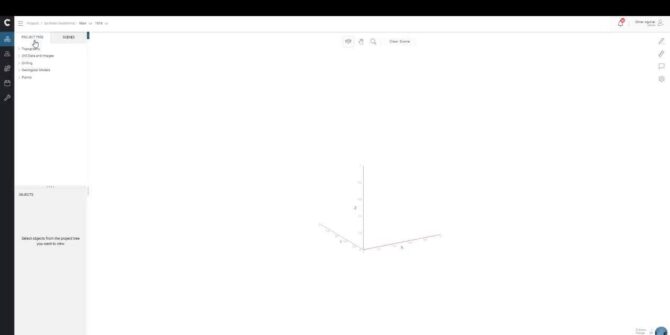
Creating a Scene in Central
In this video, Omar will show you how to access, create, and update scenes in Central, including how to add specific geotags to the scene,
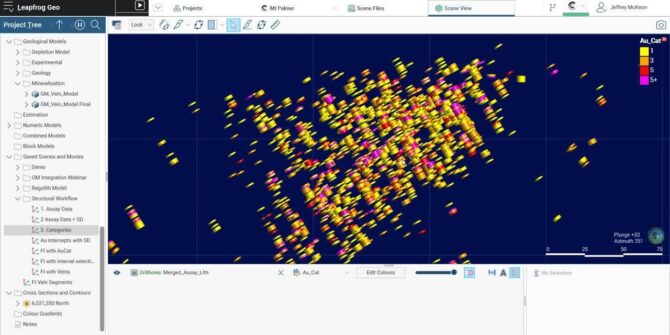
Creating Continuity Between Drillholes Using Form Interpolants
How do you interpret continuity between multiple high-grade intercepts? Using downhole structural data, Jeff will demonstrate how to more confidently produce continuous mineralized horizons with
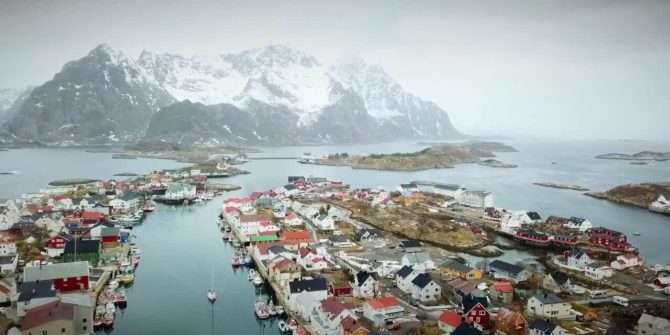
Modelling the Norwegian subsurface – Learn how Multiconsult gained deeper geological insights with Leapfrog Works and Seequent Central
Leading civil engineering firm Multiconsult took on one of Norway’s biggest infrastructure projects, designed to connect one of Norway’s biggest cities with the surrounding islands.
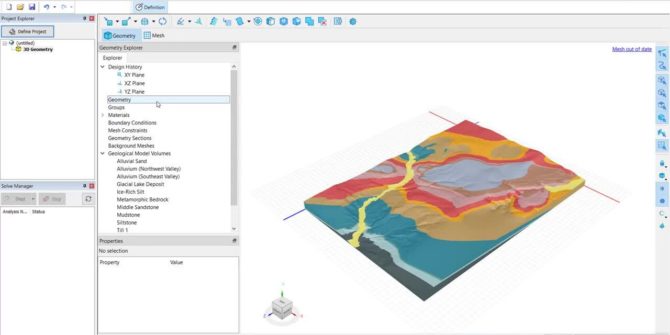
Mastering 3D Analyses: Heat Transfer in Complex Geology (Part 1)
In this session, we will consider the steps for setting up the 3D geometry, including the use of Leapfrog geological models. The geometry created in
Signing in and out, and managing extensions
A brief video describing how to sign in and out of Leapfrog, as well as how to manage and change active extensions. Overview SpeakersStephanie Schweighardt
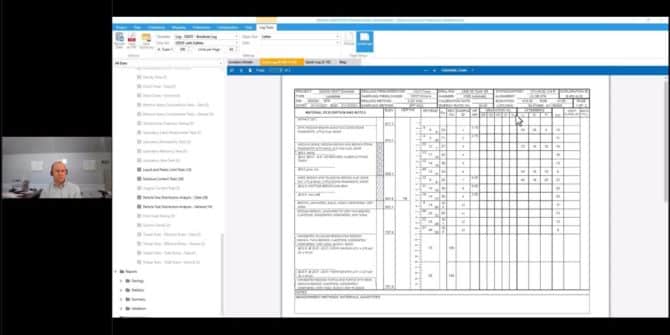
Using OpenGround with North American Government Contracts
In this video, you will learn where OpenGround fits into the transformation the industry is undergoing and how you can work with organizations that have
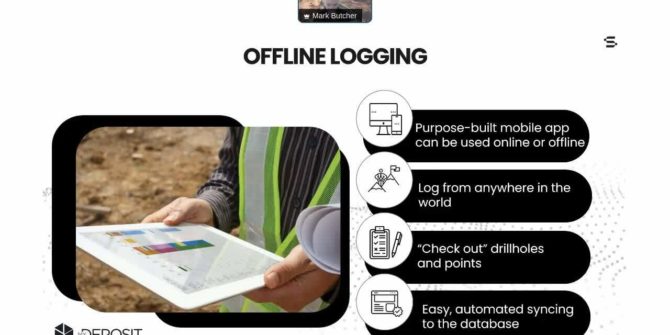
Data Validation in MX Deposit
MX Deposit allows users to collate all the tables and fields they need. Users have entire control over their logging interface and can set up
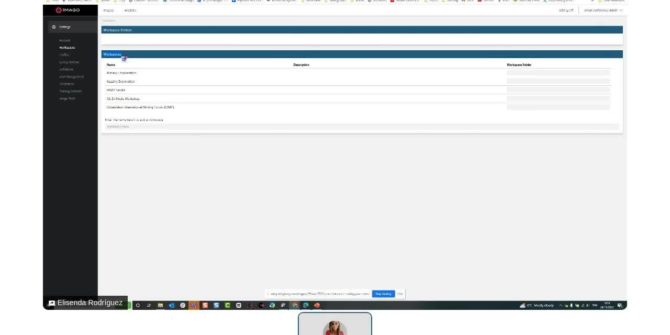
Integrating Imago core imagery into Leapfrog 3D geological models
Imago core images provide a validation tool, as well as a guide when building your geological models. This will ultimately minimise unintentional discrepancies between observation
