


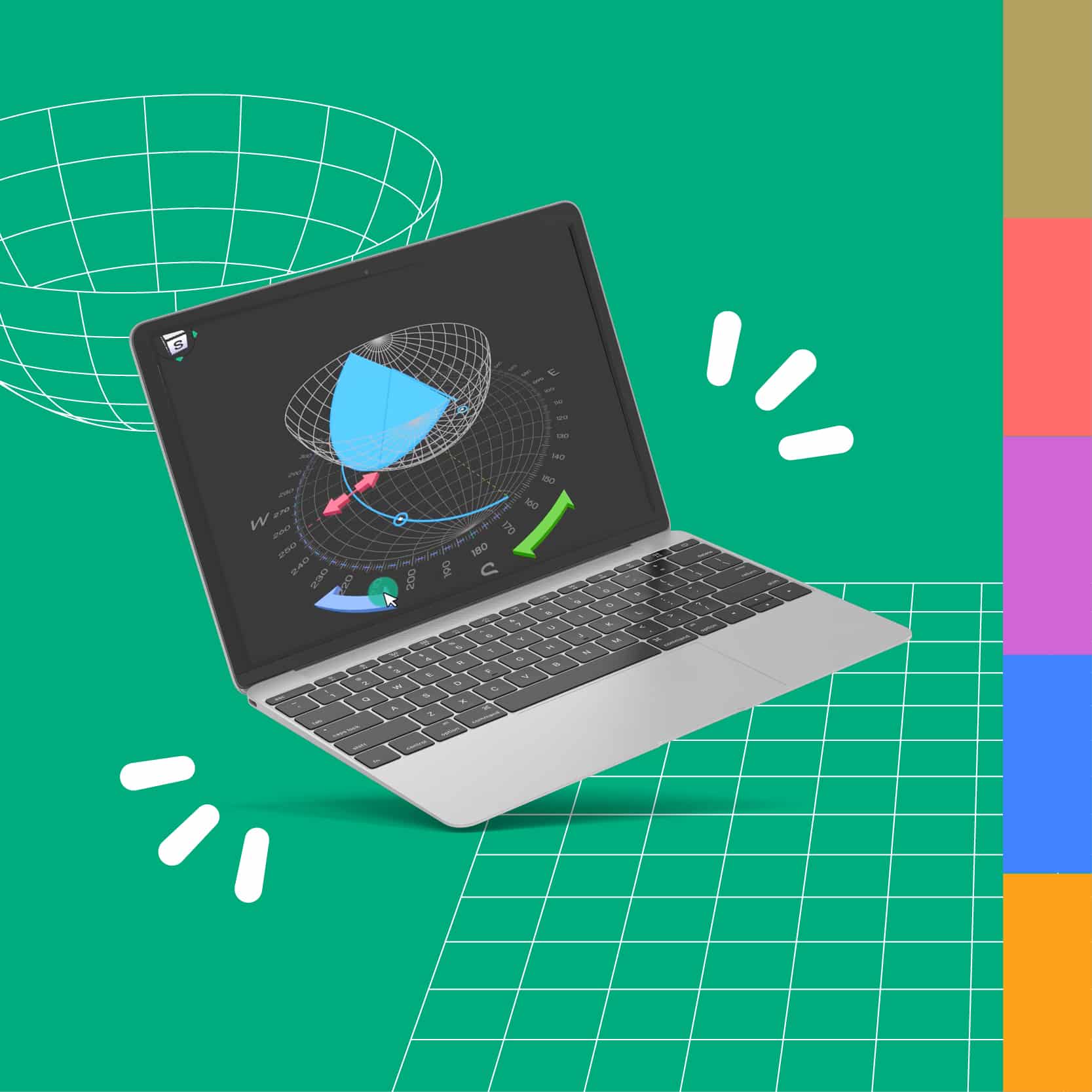
Explore 15+ educator-reviewed teaching materials now available on the Science Education Resource Center (SERC), designed to build 3D spatial and geoscience thinking skills.
New to Visible Geology or need a refresher on the tools?
We recommend you start with the how-to video series below, where our Visible Geology experts take you through the basics. You can also join the conversation online with thousands of Visible Geology users sharing knowledge and inspiration in the Seequent Community.

How to build 3D geological models in the Geology Explorer
In this video, learn how to:
- Edit layers (0:00–0:34)
- Create topography (0:34–2:09)
- Work with events (2:09–3:24)
- Use the History tool (3:24–3:57)
- Create cross sections (3:57–4:19)
- Build a core (4:19–4:54)
- Use decals (4:57–5:27)
- Log in with a Google ID and explore its advantages (5:27–6:11)

How to create and visualise stereonets in the Stereonet tool
In this video, learn how to:
- Plot lineations (00:18)
- Plot planes (01:15)
- Plot rake (02:13)
- Plot a small circle (03:00)
- Import a model from the Geology Explorer (03:23)

How to investigate the principles of apparent dip
In this video, learn how to:
- Understand what apparent dip is (0:00–1:30)
- Use strike, dip, and cliff orientation (2:10)
- Identify when true dip equals apparent dip (2:28)

How to save, share and embed your models
In this video, learn how to:
- Save your models (01:00)
- Publish your models (02:15)
- Share your models using a code (03:00)
- Share your models using a link (03:38)
- Share your models using an embedded iframe (04:05)

How to collaborate in groups and create assignments
In this video, learn how to:
- Create a new group (00:49)
- Create a new assignment (01:25)
- Invite members to join your group (03:45)
- View submitted assignments (04:25)
- Join a group(05:00)
- Submit an assignment (05:30)
- Assign administrators to your group (06:00)

How to add engineering structures to your geological models
In this video, learn how to:
- Get started with an introduction to engineering structures (0:00–0:23)
- Create and edit a tunnel (0:23–1:12)
- Use X-ray vision (1:12–1:30)
- Add other shapes (1:30–2:08)
- Understand how structures interact with cross sections (2:08–3:04)
- Explore an example and the advantages of logging in with a Google ID (3:04–3:52)
- Apply exercise hints for teaching (3:52–4:13)
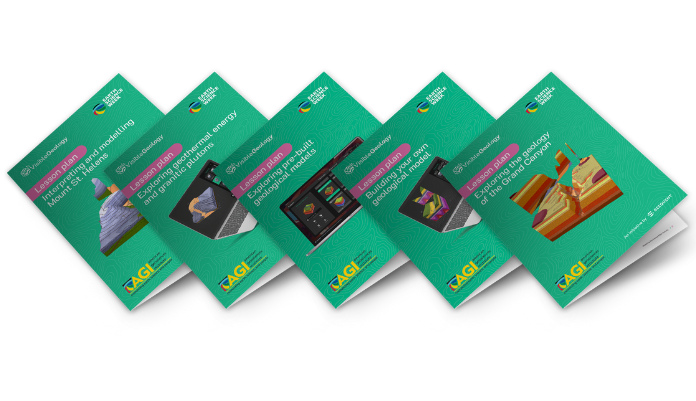
Access pre-built models and lesson plans
Import ready-made fold, fault, unconformity and real-world proxy models, plus download activities designed by the American Geoscience Institute, to support your lessons in Visible Geology.
Learn from other earth science educators using Visible Geology
Learn from earth science educators using Visible Geology
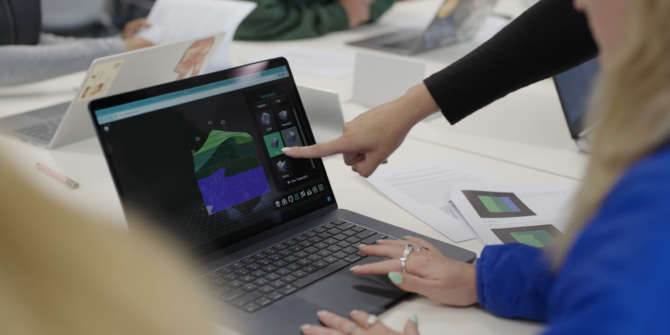
Earth Science Week: Lesson plans using Visible Geology
Visible Geology is a free earth science education tool designed to support educators in teaching ...
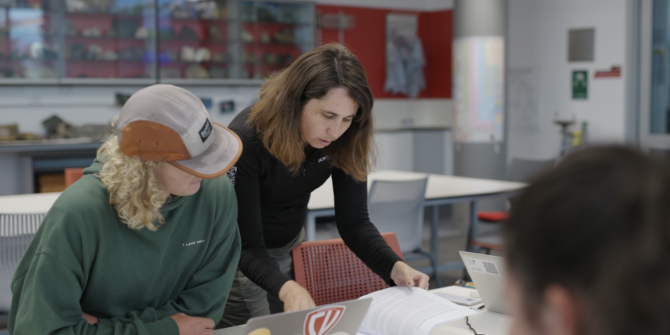
Enhancing geology students’ 3D spatial skills using Visible Geology
Having adopted Visible Geology, a free earth science education tool, into five undergraduate courses, Kate ...
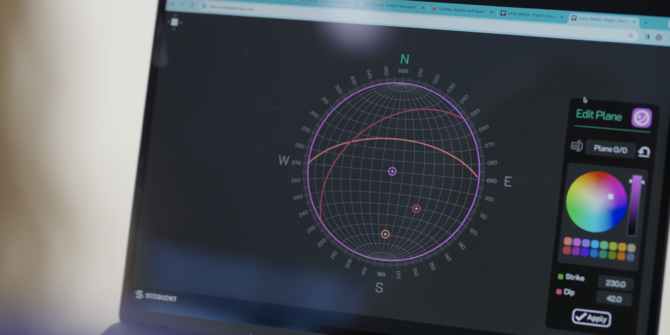
How to teach stereonets using Visible Geology
Learn how Dr. Kate Pedley, Geology Lecturer at the University of Canterbury (New Zealand) has ...
Still have questions?
Join hundreds of Visible Geology users sharing knowledge and inspiration on the Seequent Community.
Mastered the basics?
Once you’re ready to explore further in Visible Geology, check out our playlist on YouTube for more ways to elevate your teaching and learning.
Ready to go deeper with real data?
Seequent offers academic licenses of our professional software at little to know cost. Whether you’re teaching or studying geology, geophysics, geotechnical, or geostatistics, discover the software that’s right for you.

Supporting future geoscientists
Seequent knows how important the study of earth sciences are to shaping a better future for our planet. That’s why we are committed to investing in Visible Geology, and ensuring it remains free and accessible for all.
The world need geoscientists more than ever, but enrollments in earth sciences are falling. Help us get Visible Geology into the hands of the next generation!