search

PLAXIS 3D features for advanced 3D geotechnical modelling

Explore PLAXIS 3D's comprehensive suite of advanced modelling features, constitutive soil or rock models, and automated workflows built to solve your toughest geotechnical challenges.

LATEST UPDATES

Advanced PLAXIS 3D software for geotechnical analysis

CORE CAPABILITIES

Foundational tools for advanced 3D geotechnical analysis

Explore the industry-standard numerical tools and simulation engines that empower engineering teams to model complex ground behaviour, de-risk underground structures, and streamline multidisciplinary geotechnical delivery from initial data to final design.

EXTENSIONS & ADD-ONS

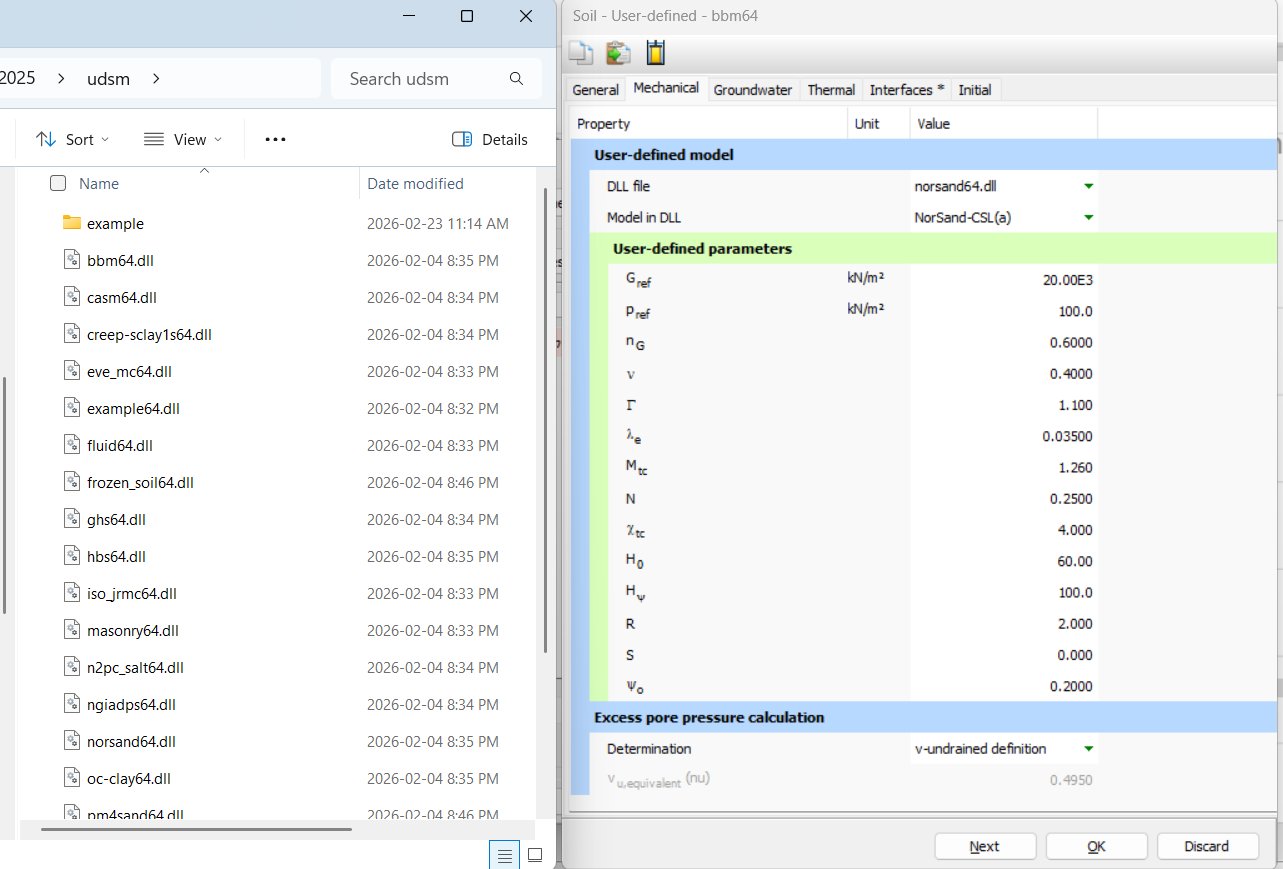
PLAXIS 3D extensions and user-defined soil models

LEARNING AND SUPPORT

Build your PLAXIS 3D skills

Develop practical skills through official PLAXIS 3D training courses. Learn essential workflows, explore advanced capabilities, and build the expertise needed to get more from your software.

Beginner

PLAXIS 3D fundamentals: Introduction to PLAXIS

Build a strong foundation in finite element modeling. This comprehensive introductory course covers the essential workflows, interface navigation, and basic analysis principles required to confidently start your first geotechnical project.
  • Orange Check Mark Icon Navigate the PLAXIS user interface
  • Orange Check Mark Icon Set up basic soil models
  • Orange Check Mark Icon Perform standard deformation analysis
Beginner

PLAXIS 3D: Getting Started

Get hands-on with PLAXIS 3D's interface and core workflows. From defining soil profiles and structural elements to mesh generation and staged construction, this course builds the confidence to tackle real geotechnical projects independently.
  • Orange Check Mark Icon Navigate the PLAXIS 3D interface
  • Orange Check Mark Icon Define soil profiles and structural elements
  • Orange Check Mark Icon Run and interpret staged construction analysis
Beginner

PLAXIS Automation Basics: Getting started

Learn how to automate repetitive modelling tasks, extract critical results faster, and build custom scripts to streamline complex geotechnical analysis processes.
  • Orange Check Mark Icon Introduction to Python in PLAXIS
  • Orange Check Mark Icon Automate repetitive modelling tasks
  • Orange Check Mark Icon Extract and analyse results faster

Free training and support

Grow your geoscience knowledge, connect with peers, and refresh your skills

Seequent Community

Discover new opportunities, connect with peers, and share insights and best practices with others in your field.

Visit Seequent Community

Learning Centre

Get started fast or upskill whilst working with our onboarding and advanced free eLearning courses.

Visit Seequent Learning Centre

Seequent Help

Find answers to your technical questions and get the most out of your product, with our in-depth product help information.

Visit Seequent Help