search

Explore the complete PLAXIS 2D geotechnical toolbox

Discover the full suite of advanced geotechnical capabilities and automated workflows designed to solve your most complex subsurface challenges

CONTINUOUS PRODUCT INNOVATION

Discover the latest PLAXIS 2D capabilities

We’re continuously improving PLAXIS 2D to accelerate your design speed and accuracy. Explore the powerful modelling, safety compliance, and data performance features introduced in our most recent product releases

CORE GEOTECHNICAL CAPABILITIES

Foundational tools for precise 2D geotechnical analysis

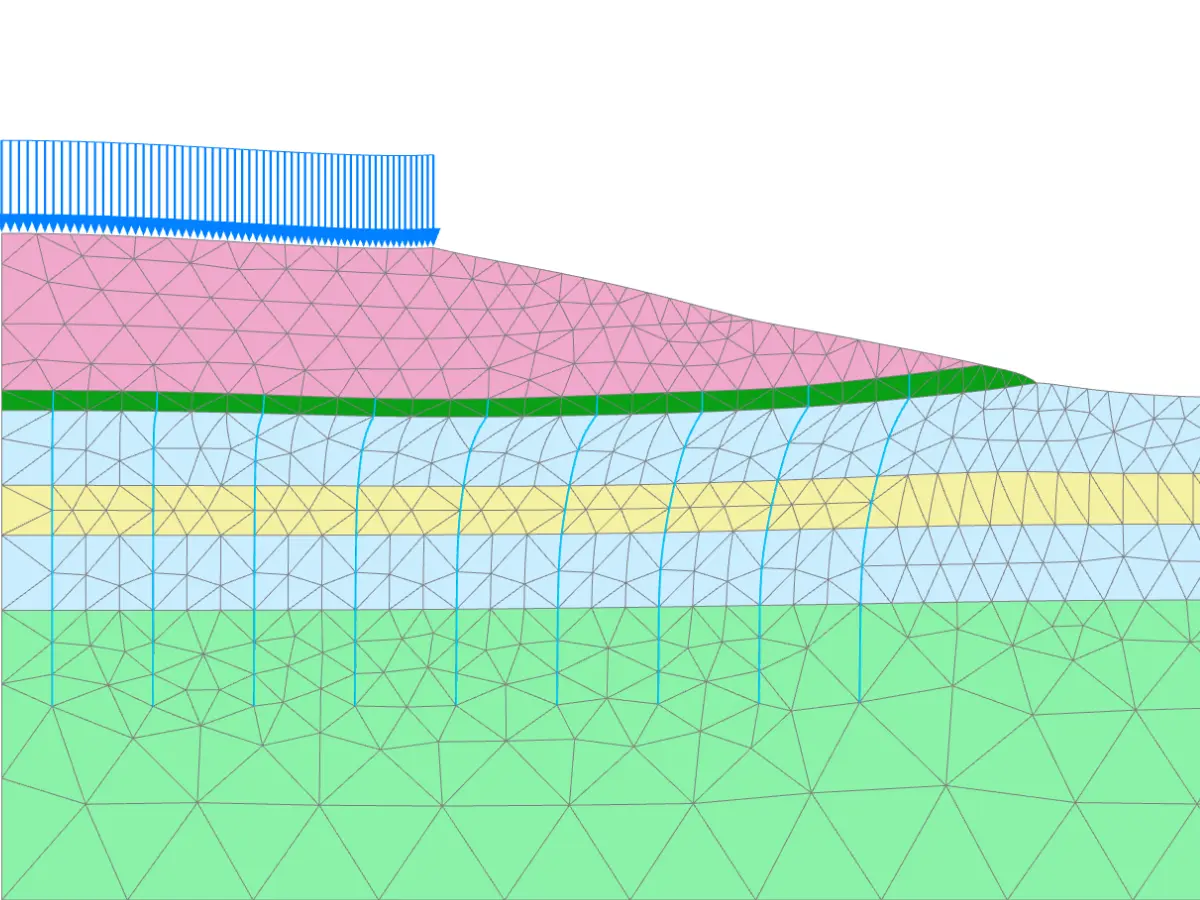
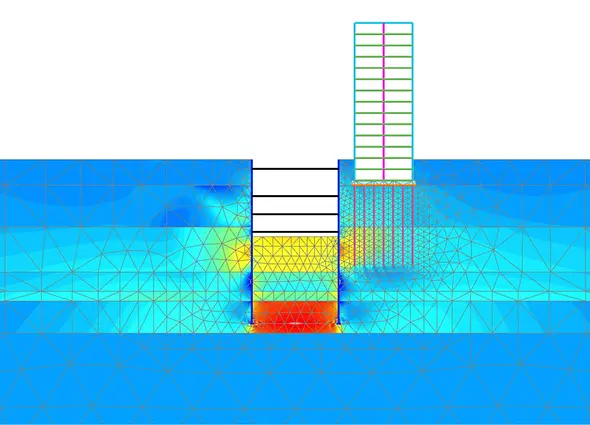
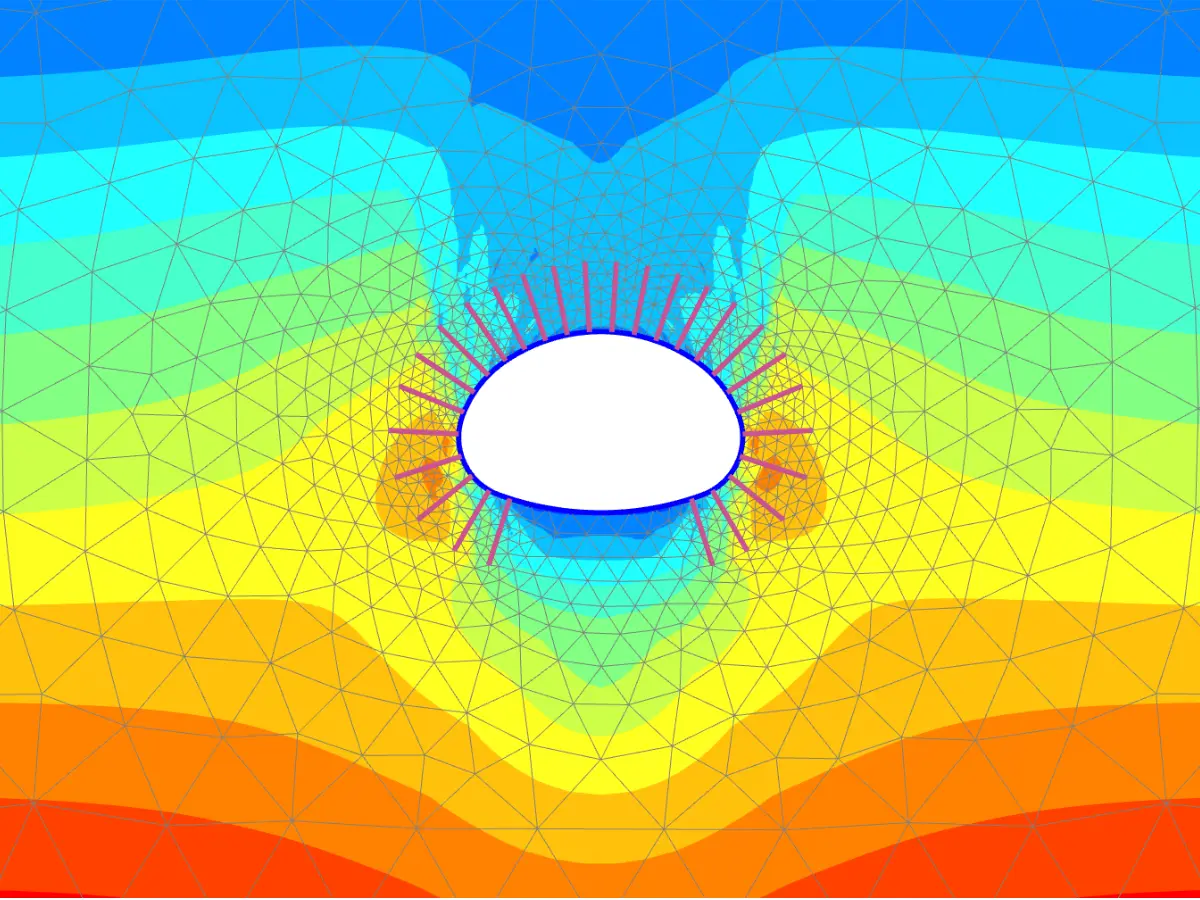
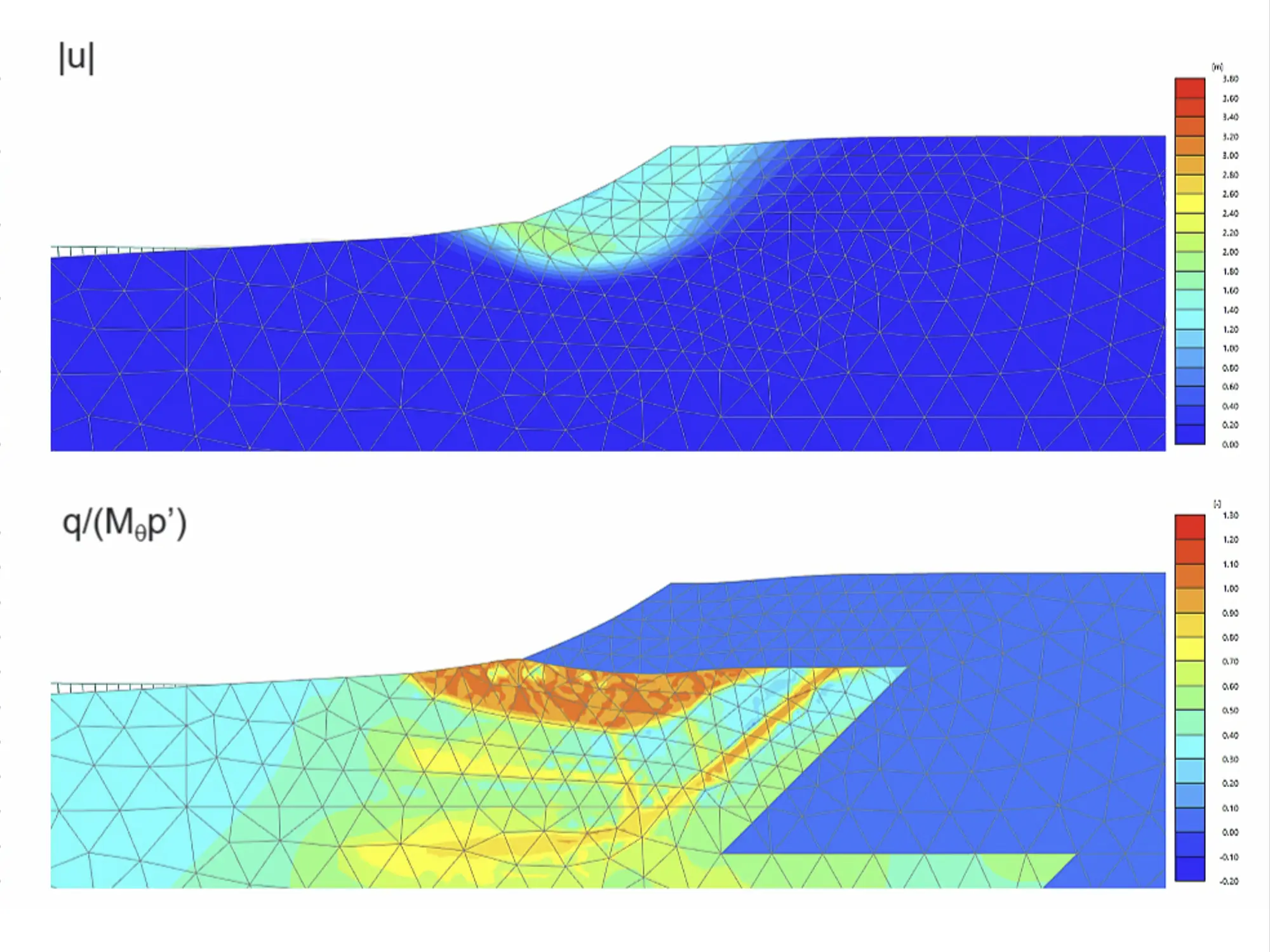
Model complex ground-structure interaction with confidence using our time-tested, industry-standard modelingmodelling features. Streamline your entire geotechnical workflow from initial geometry import to final safety reporting.

EXTENSIONS & ADD-ONS

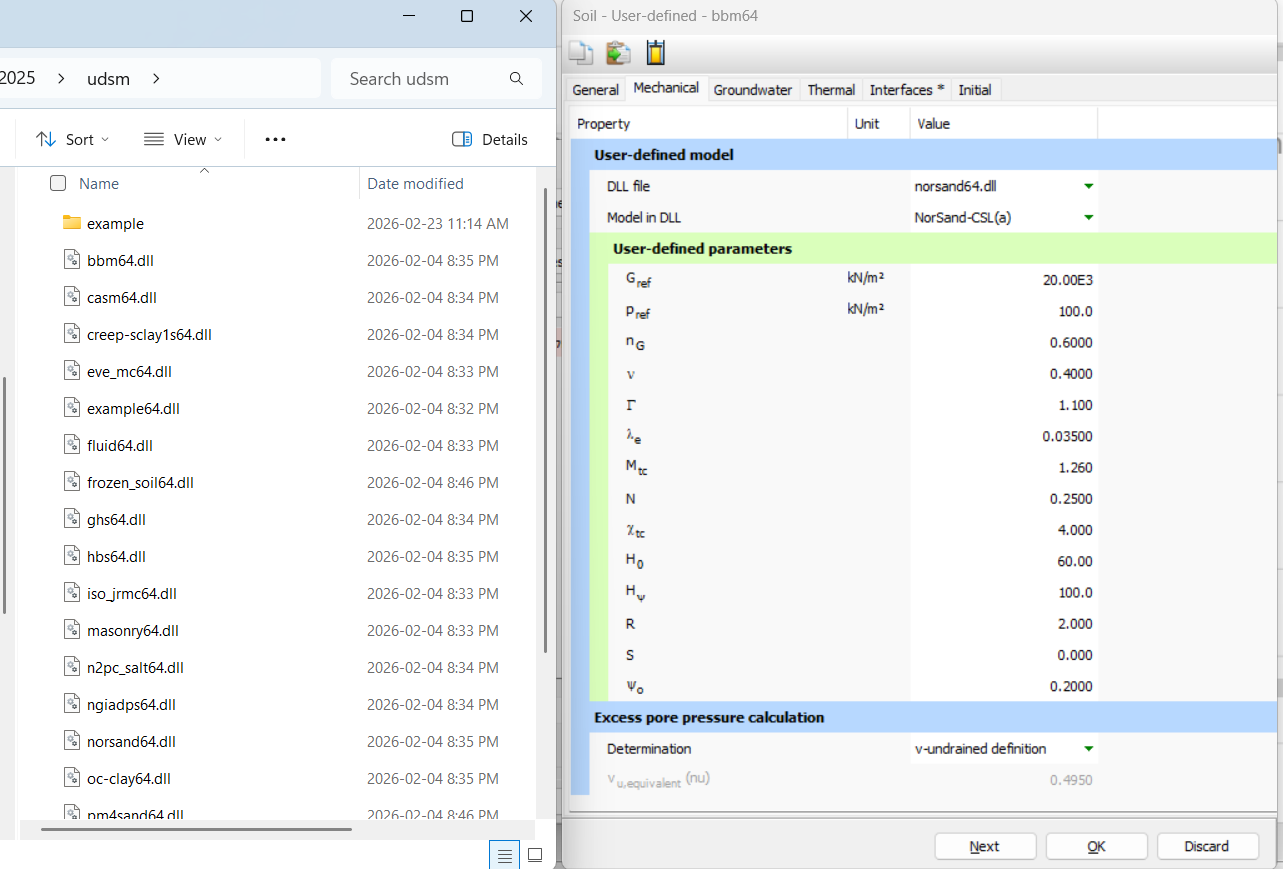
Expand your advanced geotechnical modelling capabilities

PRODUCT LEARNING

Master PLAXIS 2D with expert-led
training courses

These comprehensive, on-demand courses guide you from foundational modeling to advanced Python automation, ensuring you get maximum value from PLAXIS 2D.

Beginner

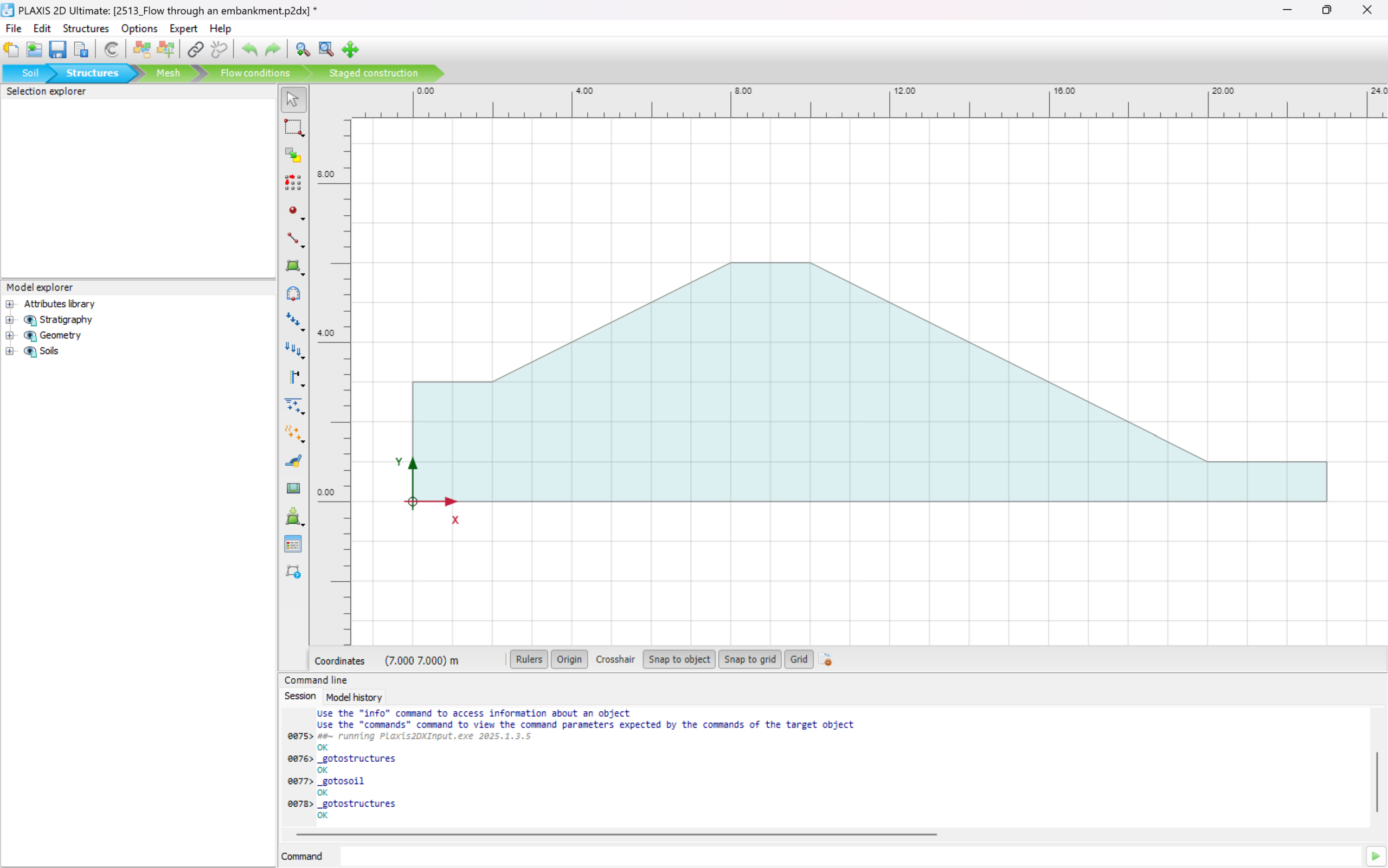
PLAXIS Fundamentals: Introduction to PLAXIS

Build a strong foundation in finite element modeling. This comprehensive introductory course covers the essential workflows, interface navigation, and basic analysis principles required to confidently start your first geotechnical project.
  • Orange Check Mark Icon Navigate the PLAXIS user interface
  • Orange Check Mark Icon Set up basic soil models
  • Orange Check Mark Icon Perform standard deformation analysis
Beginner

PLAXIS Automation Basics: Getting started

Learn how to automate repetitive modelling tasks, extract critical results faster, and build custom scripts to streamline complex geotechnical analysis processes.
  • Orange Check Mark Icon Introduction to Python in PLAXIS
  • Orange Check Mark Icon Automate repetitive modelling tasks
  • Orange Check Mark Icon Extract and analyse results faster and analyze results faster
Intermediate

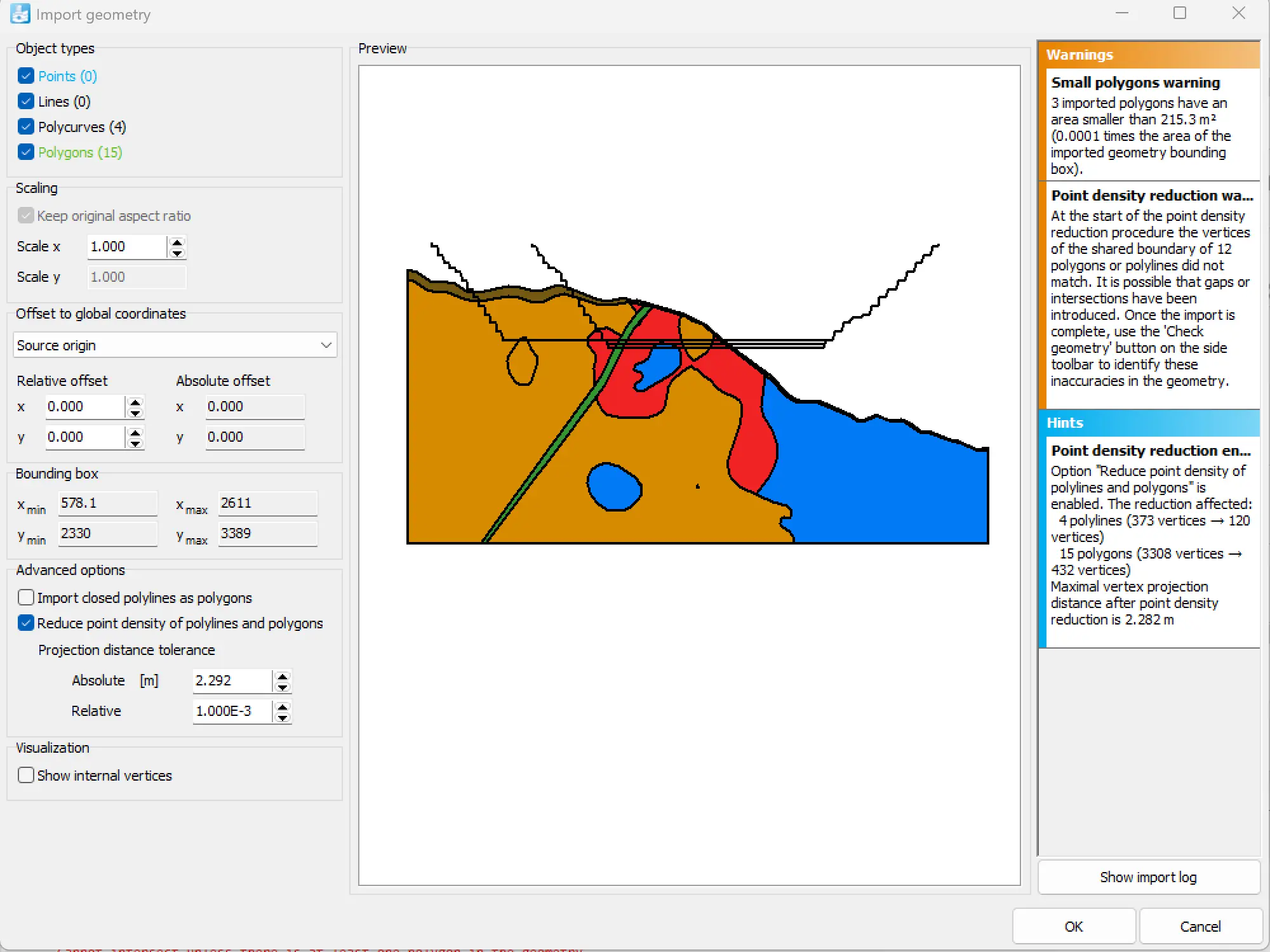
Importing CAD Geometry in PLAXIS 2D

Discover the best practices for importing complex industry-standard CAD geometries directly into PLAXIS 2D for seamless model creation.
  • Orange Check Mark Icon Prepare CAD files for import
  • Orange Check Mark Icon Resolve common geometry import issues

Free training and support

Grow your geoscience knowledge, connect with peers, and refresh your skills

Seequent Community

Discover new opportunities, connect with peers, and share insights and best practices with others in your field.

Visit Seequent Community

Learning Centre

Get started fast or upskill whilst working with our onboarding and advanced free eLearning courses.

Visit Seequent Learning Centre

Seequent Help

Find answers to your technical questions and get the most out of your product, with our in-depth product help information.

Visit Seequent Help