search

Evolving tools for variable geology

From data analysis to advanced geological modelling, Leapfrog Geo adapts to your project’s demands. Explore our core capabilities and see how the latest updates keep your workflow sharp. 

Latest Leapfrog Geo Release 

What’s new in Leapfrog Geo

Leapfrog Geo never stops evolving. We continuously add capabilities, driven by your daily modelling challenges, to give you deeper control so you can focus on being a geologist. 

Leapfrog Geo Key Features

Your 3D workspace for geological discovery 

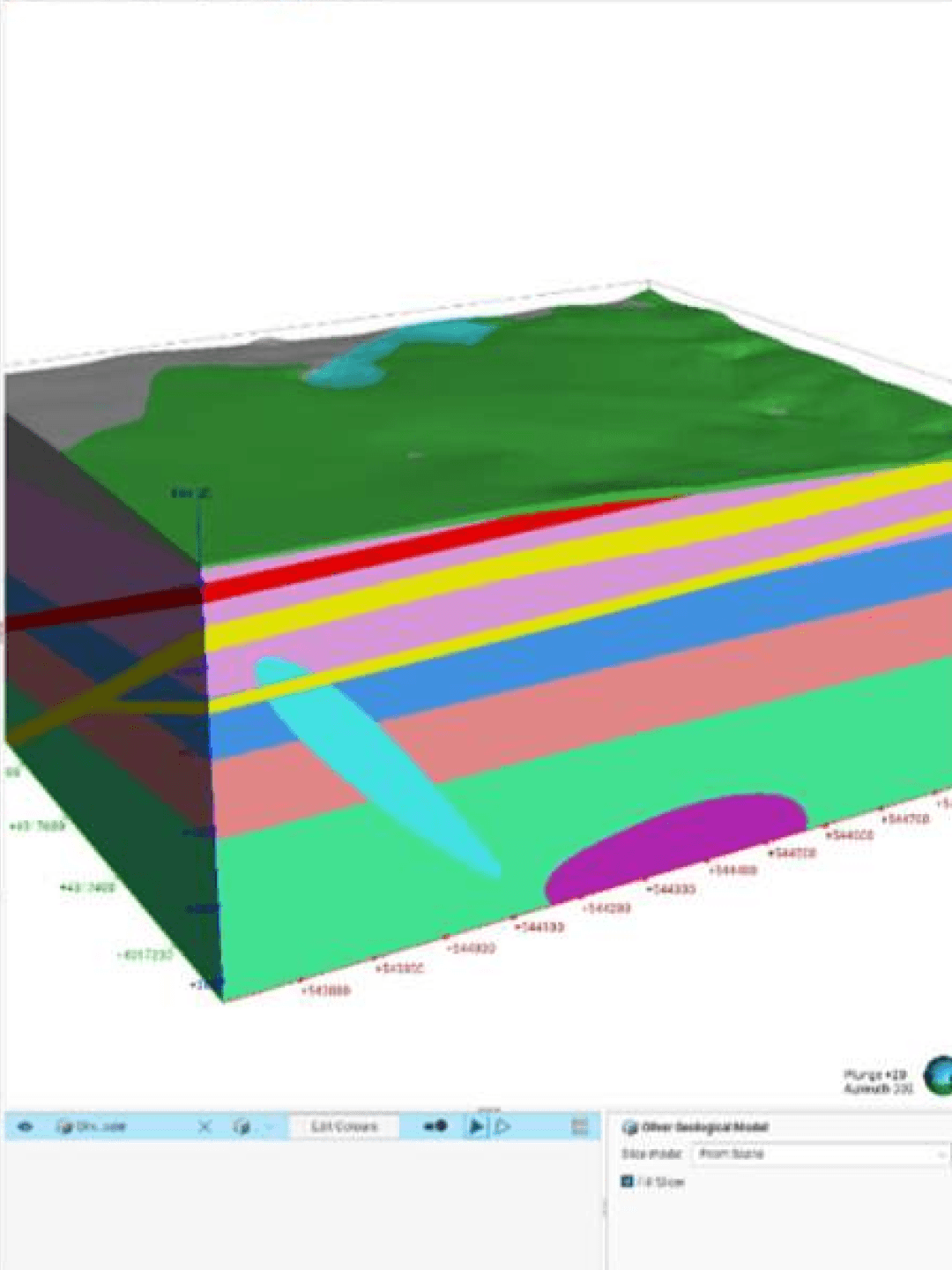
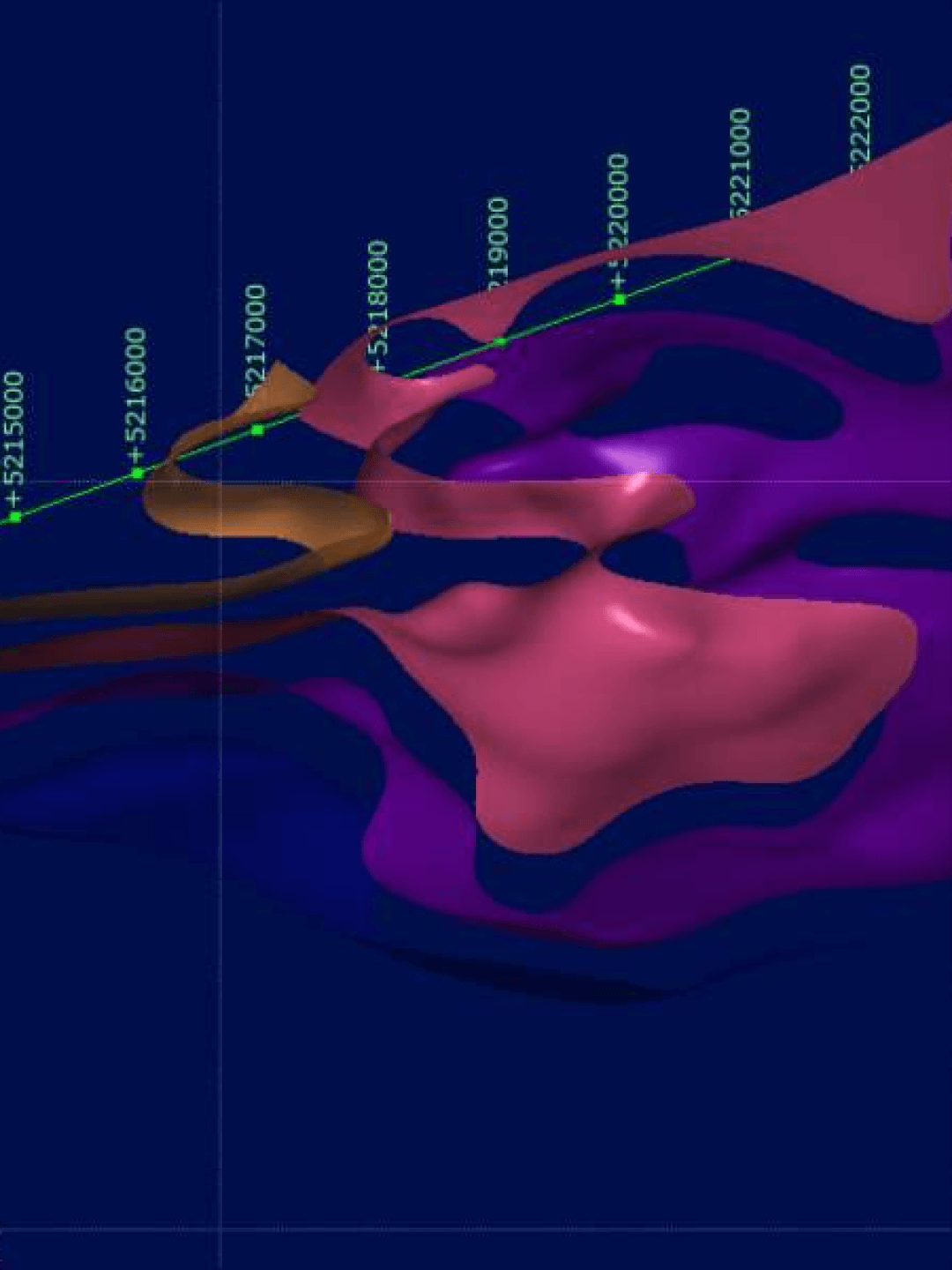
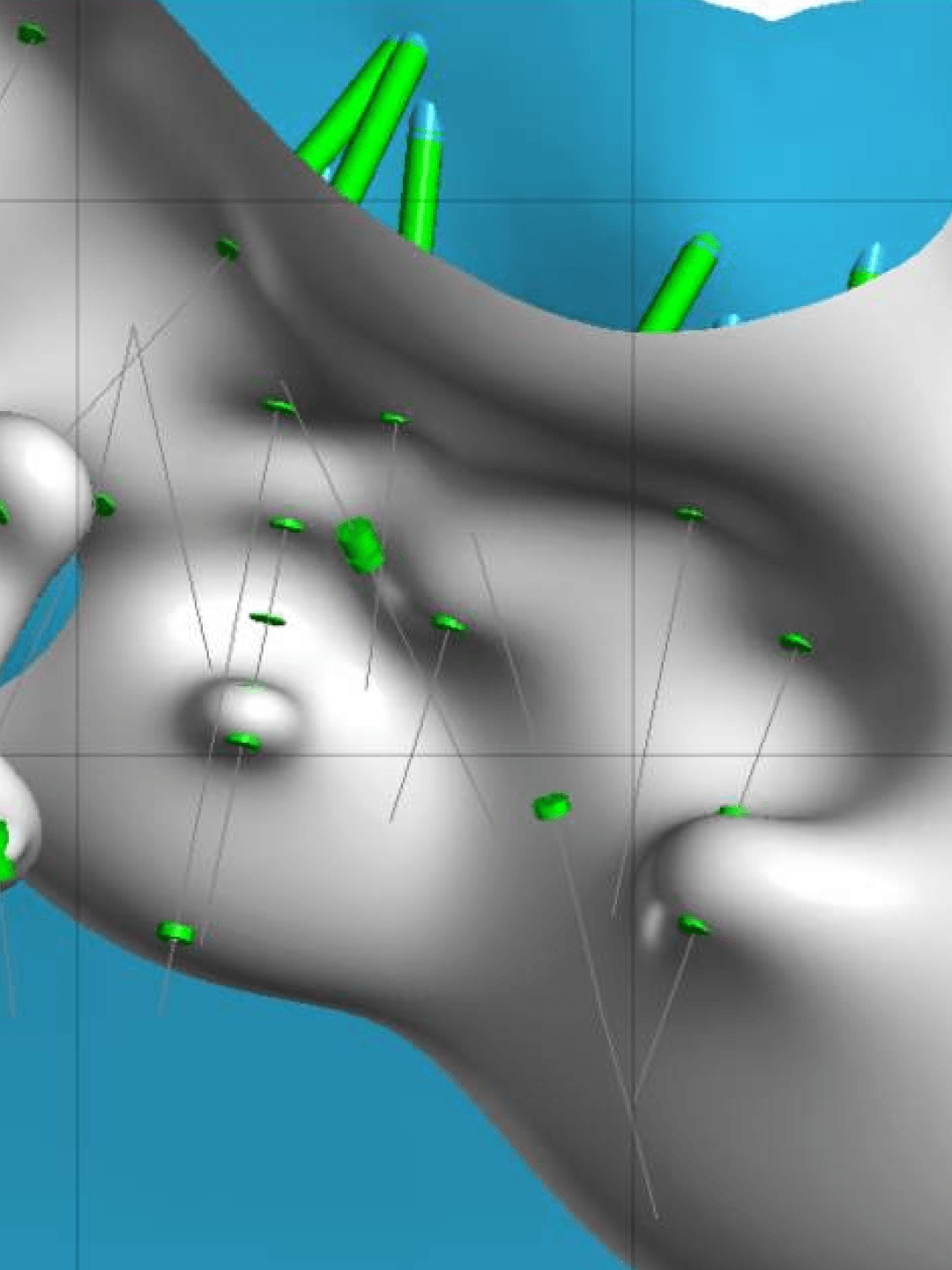
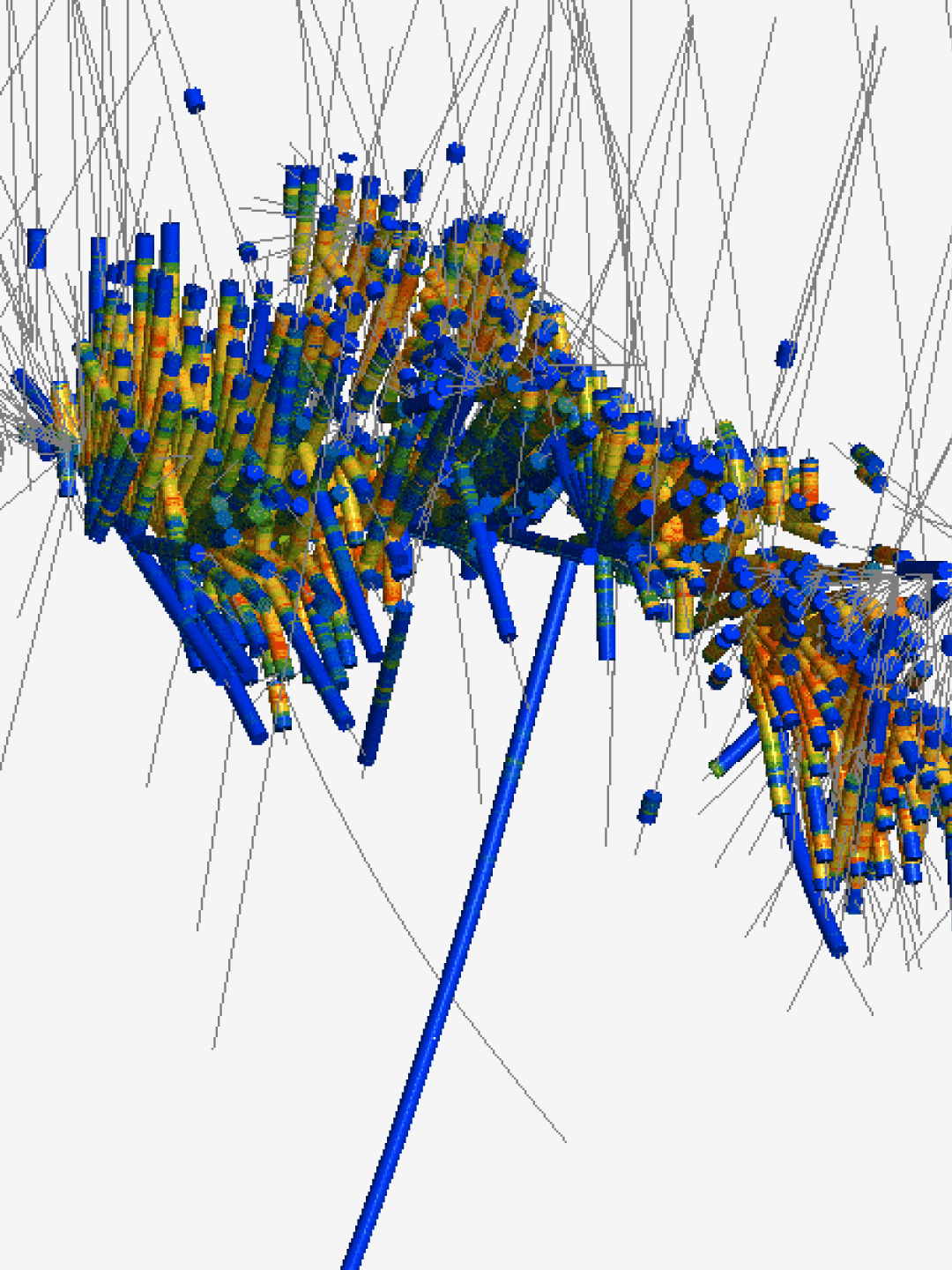
Build a highly representative, holistic view of your project. These six core features work together dynamically to help you easily translate complex data into geologically realistic models. 

Product Learning

Leapfrog Geo software online training courses

From importing and visualising data to creating numerical RBF interpolants, these official training courses will help you systematically build your technical proficiency in Leapfrog Geo.

Beginner

Leapfrog Geo fundamentals 

Practice the foundational 3D modelling workflow at your own pace. Learn to import data, construct geological models, and export presentation-ready outputs. Complete the optional final assessment to earn your official certificate. 
  • Orange Check Mark Icon Import and validate project data
  • Orange Check Mark Icon Construct and update dynamic 3D models
  • Orange Check Mark Icon Create presentation-ready visuals from data and model outputs
Intermediate

Leapfrog structural modelling

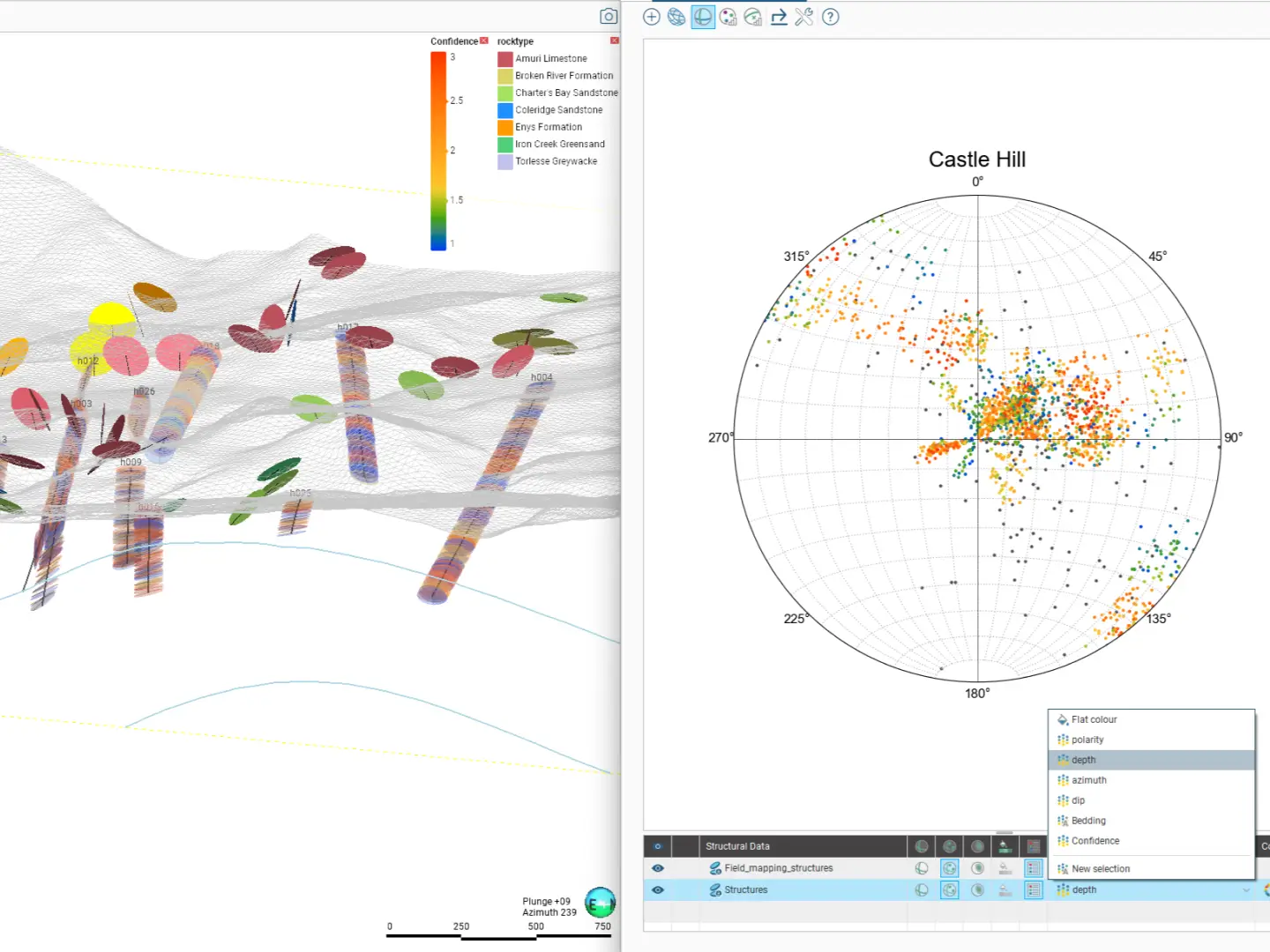
Master structural tools to handle faulted and folded geology. Learn to analyse stereonet data, create and apply structural trends, generate form interpolants, and model faulting scenarios. 
  • Orange Check Mark Icon Import and analyse different types of structural data
  • Orange Check Mark Icon Model regional rock fabric with form interpolants 
  • Orange Check Mark Icon Apply structural trends to geological and numerical models
Advanced

Advanced surface editing 

Manipulate model surfaces with precision. Explore resolutions, snapping and intrusion value clipping settings, and other editing options available in Leapfrog, such as incorporating additional data types to influence a surface, applying trends, and explicit editing.
  • Orange Check Mark Icon Control surfaces using advanced settings
  • Orange Check Mark Icon Edit surfaces with polylines and points
  • Orange Check Mark Icon Apply structural trends and value clipping 
Advanced

Mineral resource estimation essentials

earn practical mineral resource estimation using Leapfrog Edge. Building on your existing Leapfrog Geo skills, this comprehensive track covers everything from initial variography and block modelling to final estimate validation and reporting.
  • Orange Check Mark Icon Prepare and analyse data 
  • Orange Check Mark Icon Model spatial continuity using variography 
  • Orange Check Mark Icon Validate block models and generate reports 
‘Leapfrog is mature, safe and delivers great geological domains to feed through to our resource team’
Keith Whitchurch
President Director SMG
Product Pricing and Packages

Leapfrog Geo: Packages & licensing

All Leapfrog Geo packages include our full suite of powerful core features. Simply choose the license type that fits your team's workflow, then enhance it with optional extensions to meet your specific project needs.

For enterprise, shared, and other Leapfrog licenses, talk to us

Leapfrog Geo

Features
  • Orange Check Mark Icon Geological modelling and validate project data
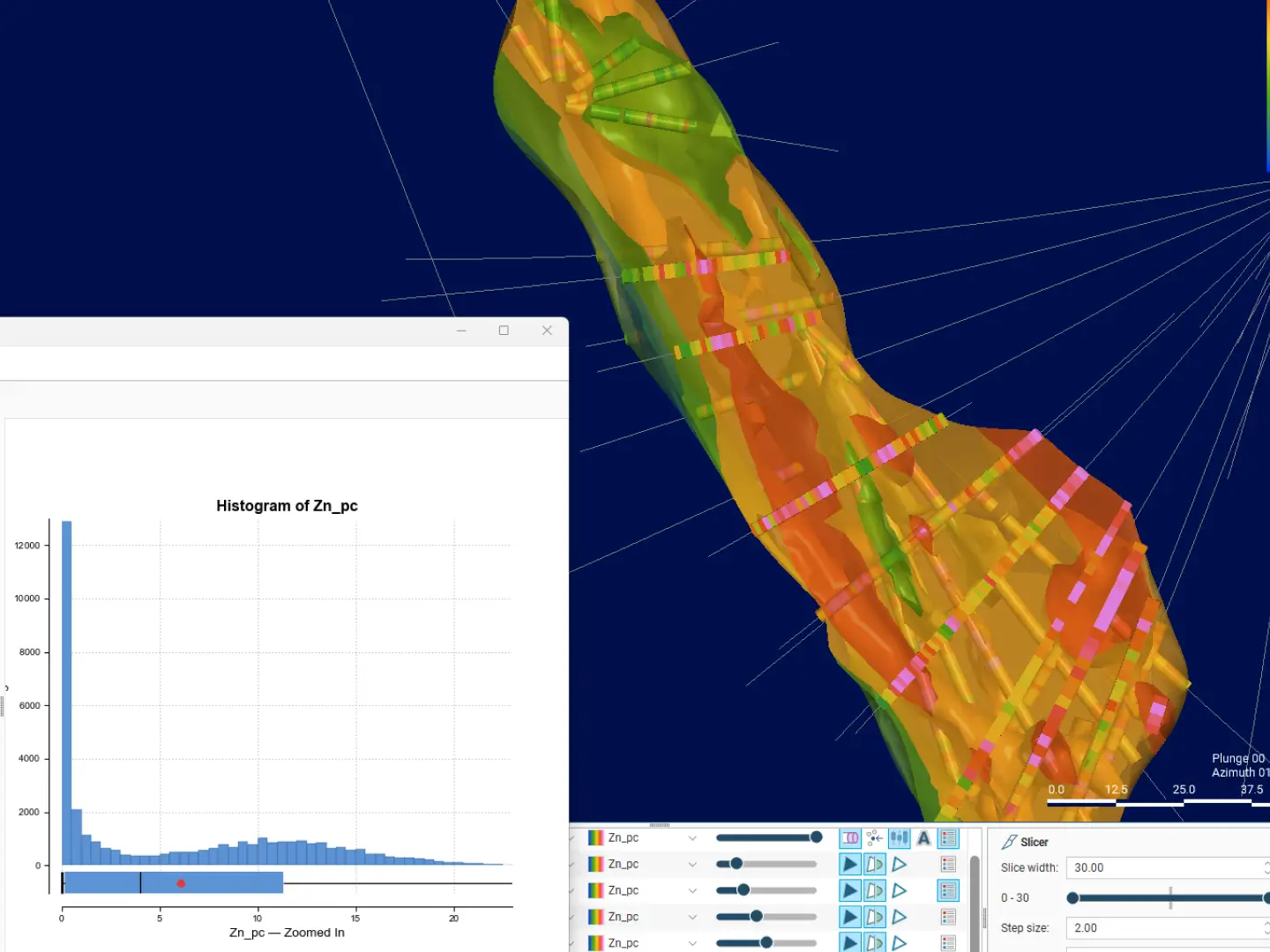
  • Orange Check Mark Icon Numeric modelling and update dynamic 3D models
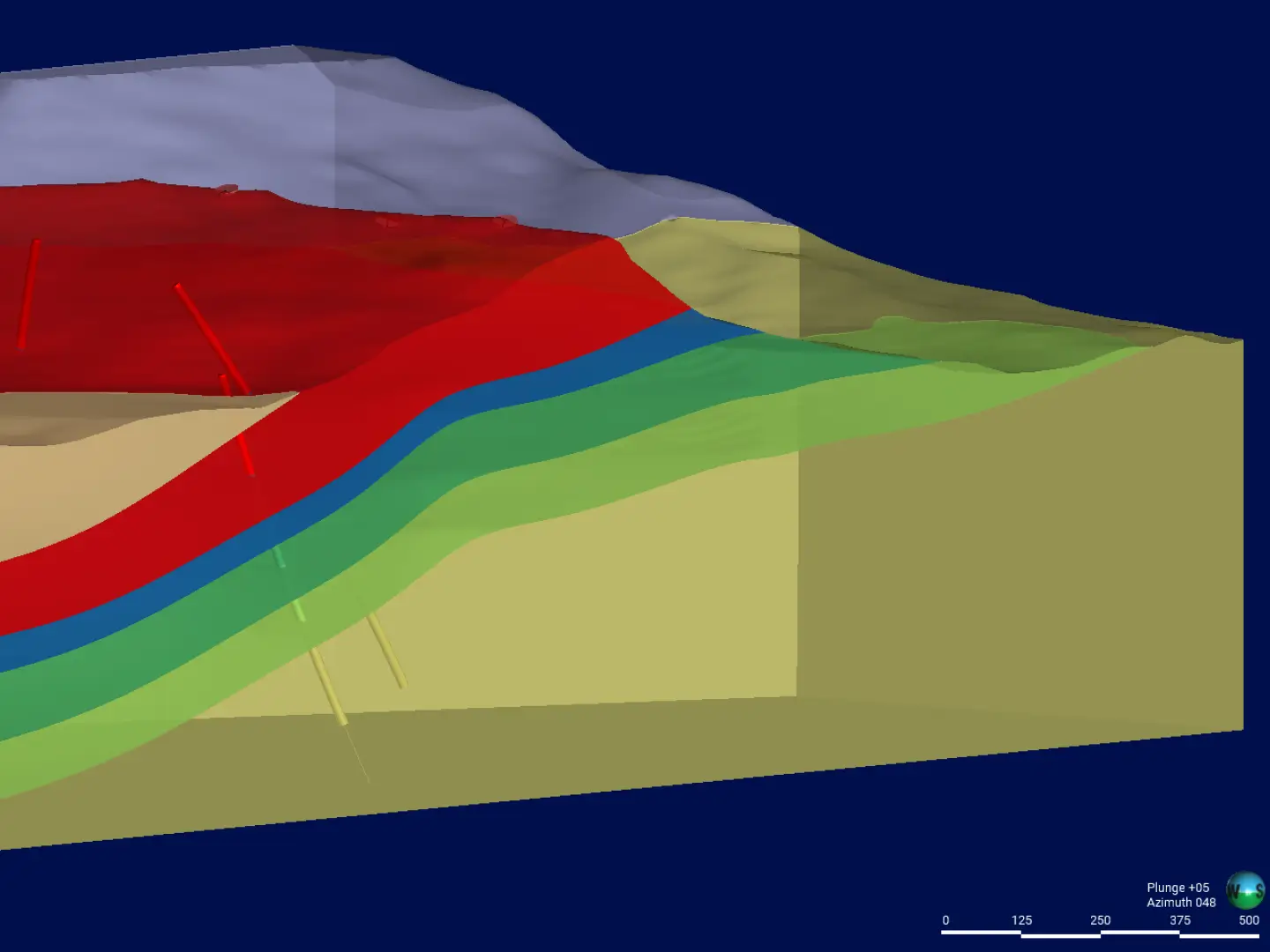
  • Orange Check Mark Icon Structural interpretation
and modelling  presentation-ready visuals from data and model outputs
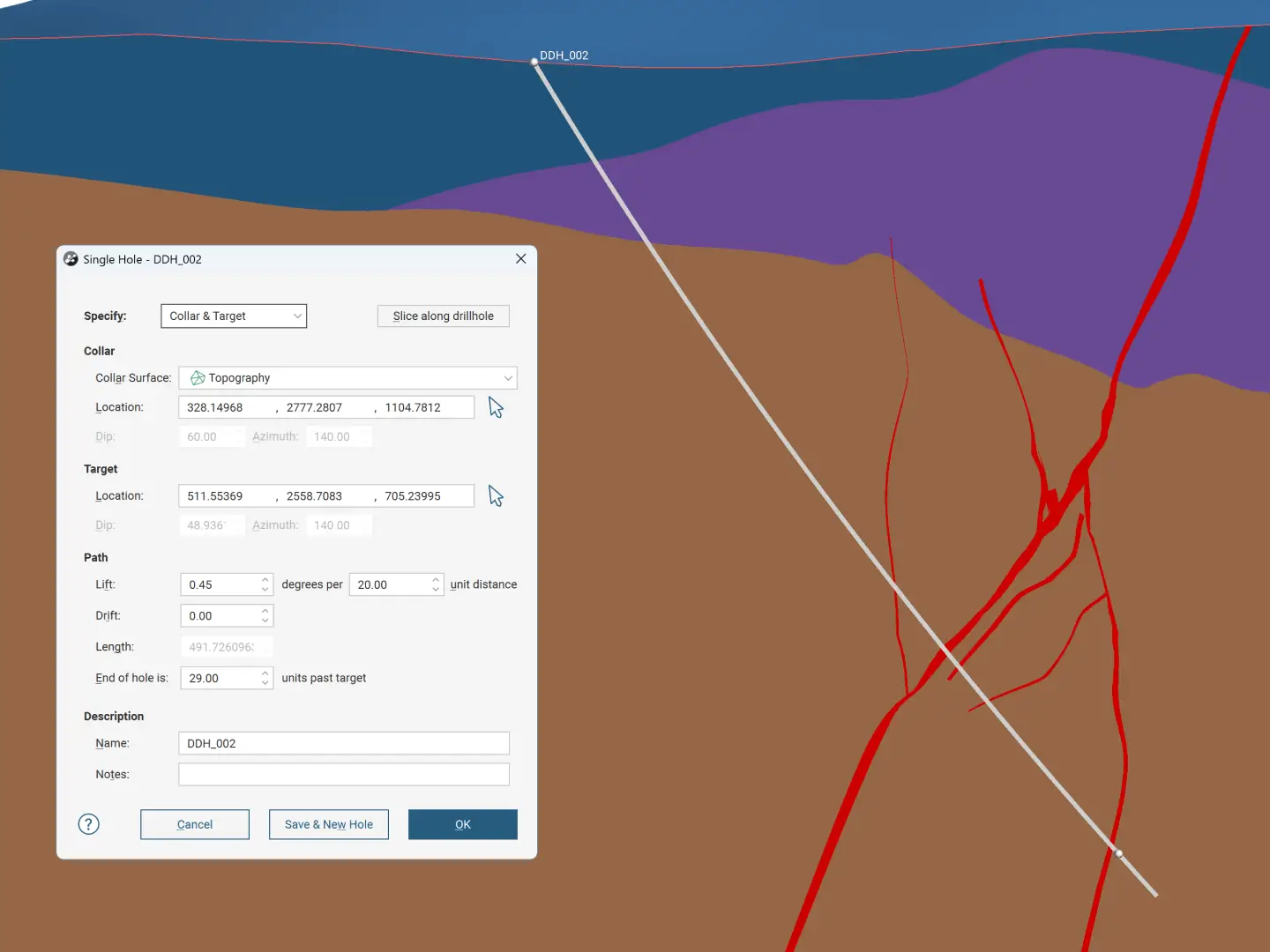
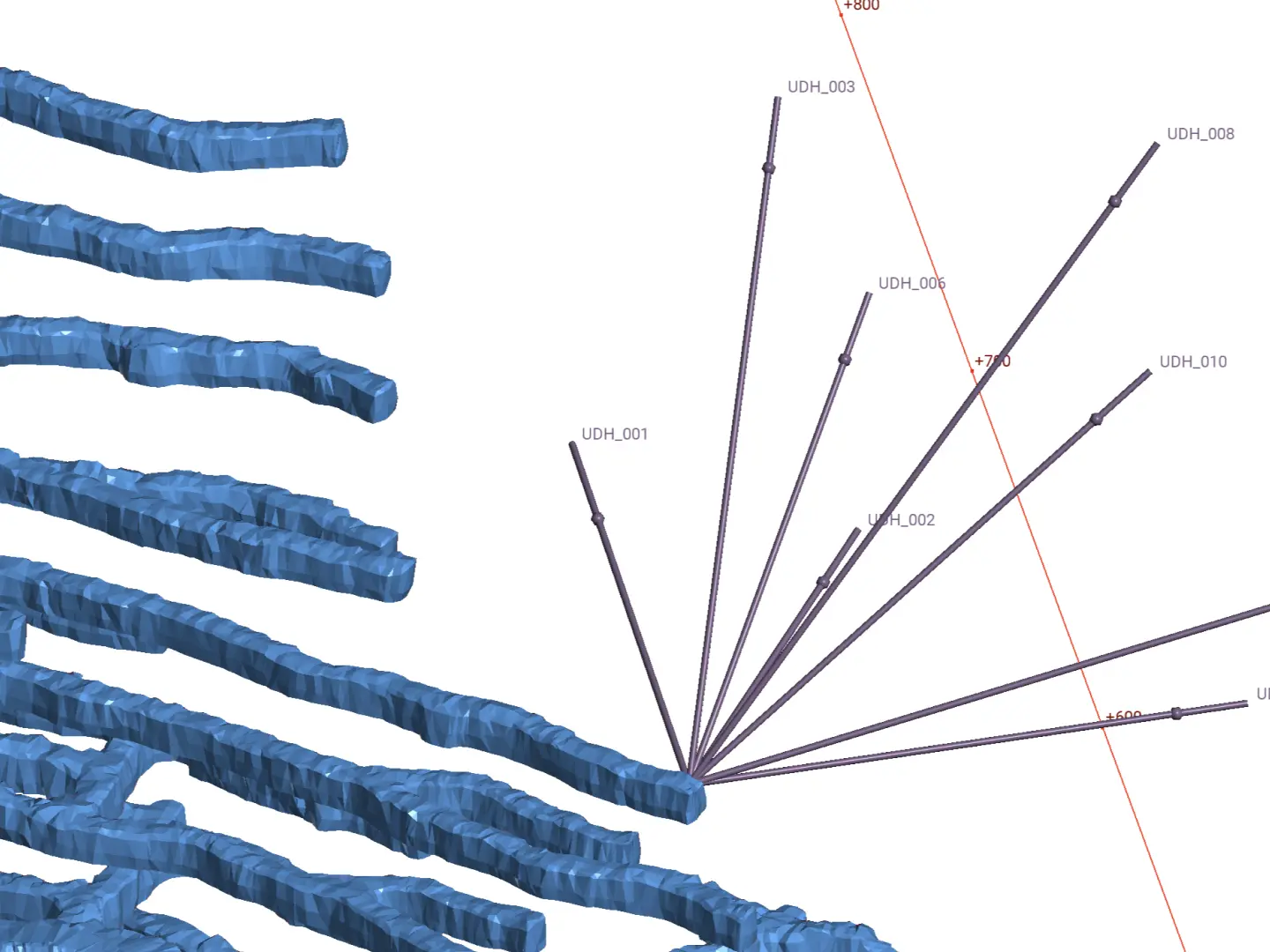
  • Orange Check Mark Icon Drillhole planning
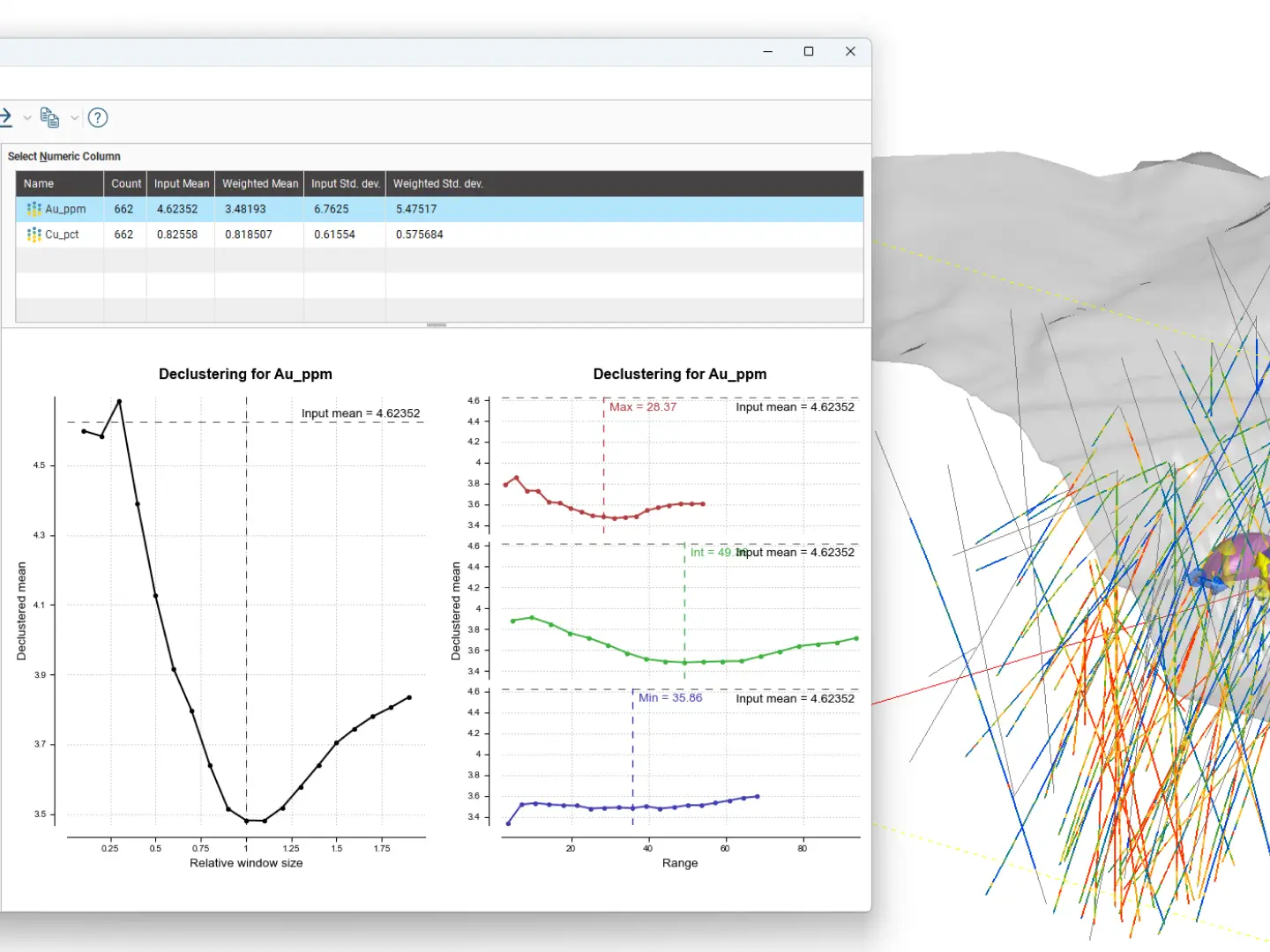
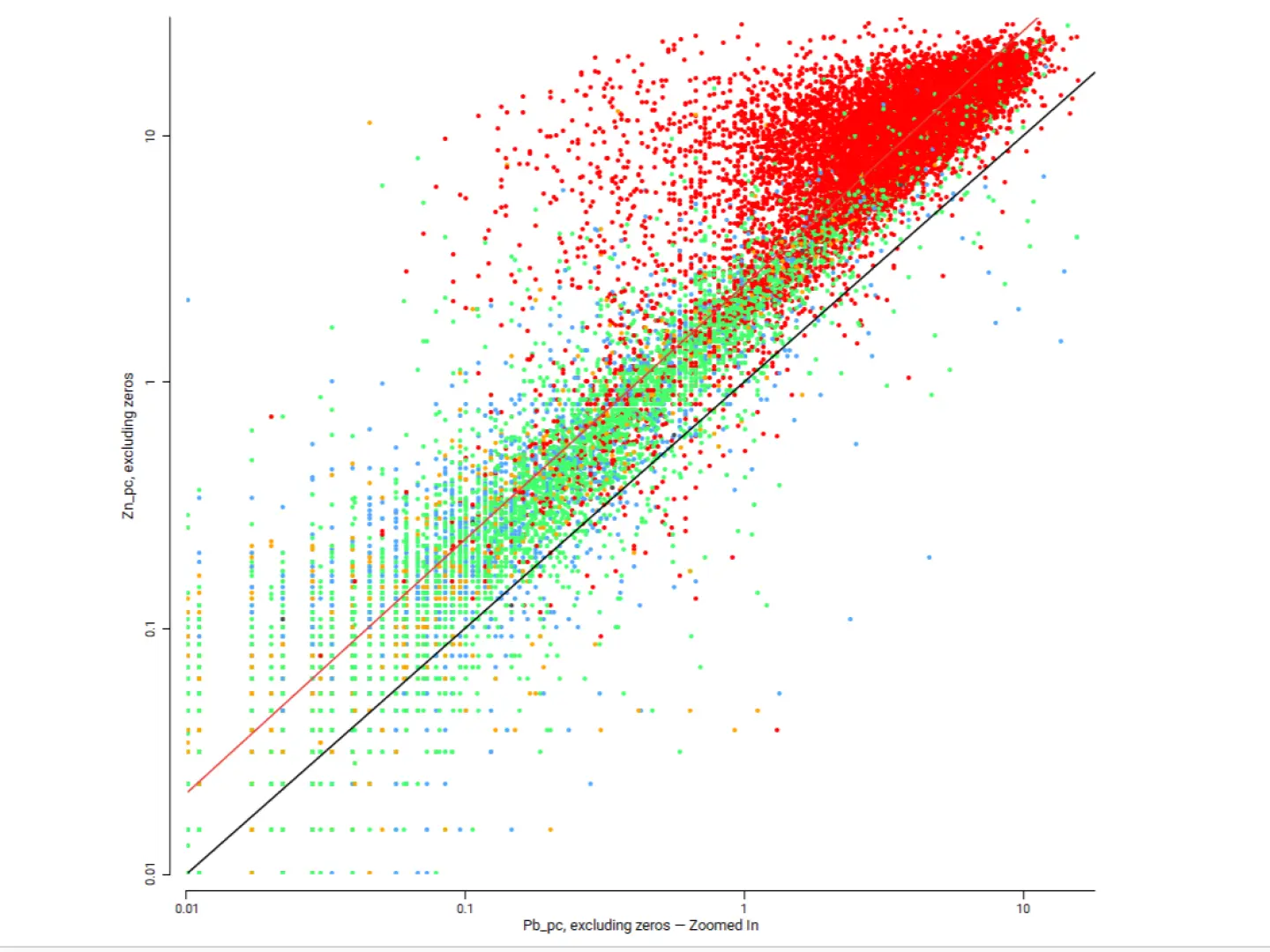
  • Orange Check Mark Icon Exploratory data analysis
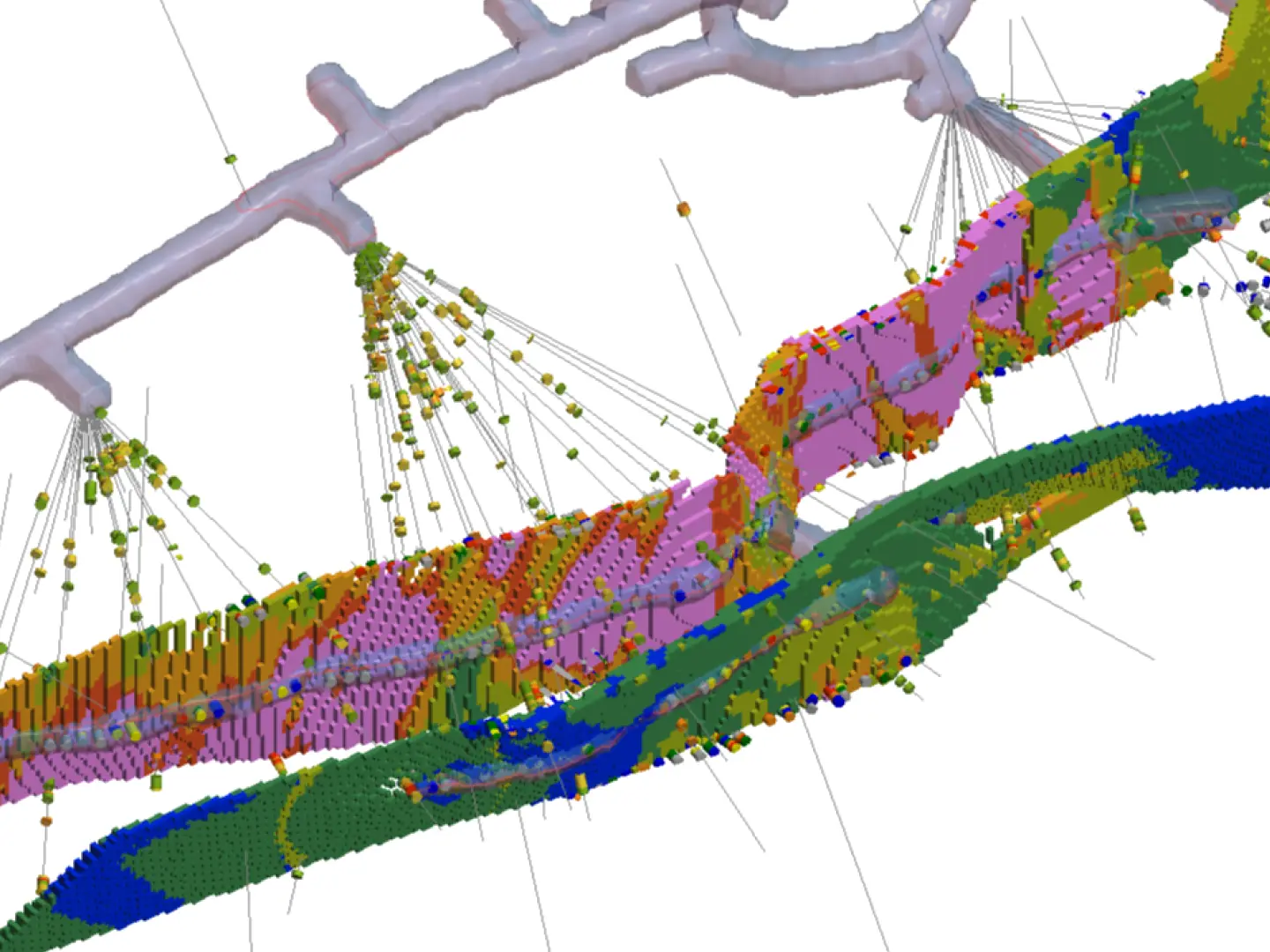
  • Orange Check Mark Icon Block modelling
  • Orange Check Mark Icon Intuitive interface
Licensing
  • Orange Check Mark Icon Named license * - Allows unlimited use of the software for a single dedicated user during the subscription period. Best for individuals and power users.
  • Orange Check Mark Icon Shared license * - Allows any number of users to access the software over the subscription period, limited to one user per seat at any given time. Best for teams and organizations.
* Only 12 month named licences are available to purchase online
Extensions 

Enhance Leapfrog Geo with extensions

Add powerful, discipline-specific workflows directly into your Leapfrog environment. All extensions require Leapfrog Geo to purchase and run.

Free training and support

Grow your geoscience knowledge, connect with peers, and refresh your skills

Seequent Community

Discover new opportunities, connect with peers, and share insights and best practices with others in your field.

Visit Seequent Community

Learning Centre

Get started fast or upskill whilst working with our onboarding and advanced free eLearning courses.

Visit Seequent Learning Centre

Seequent Help

Find answers to your technical questions and get the most out of your product, with our in-depth product help information.

Visit Seequent Help